Beneficiary reporting: How to guide
Last updated: December 11, 2025
Getting started
Accessing the beneficiary report
To access the beneficiary report overview, click the Waterfall tab in the left navigation and then click the Beneficiaries tab
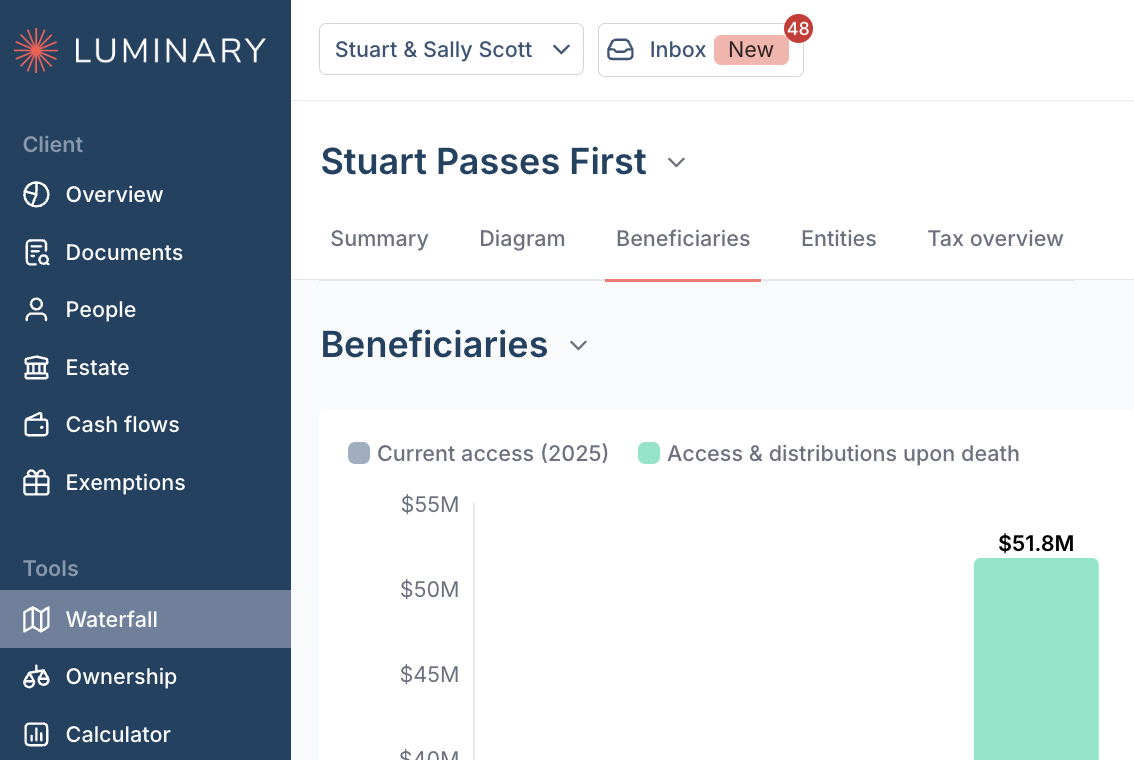
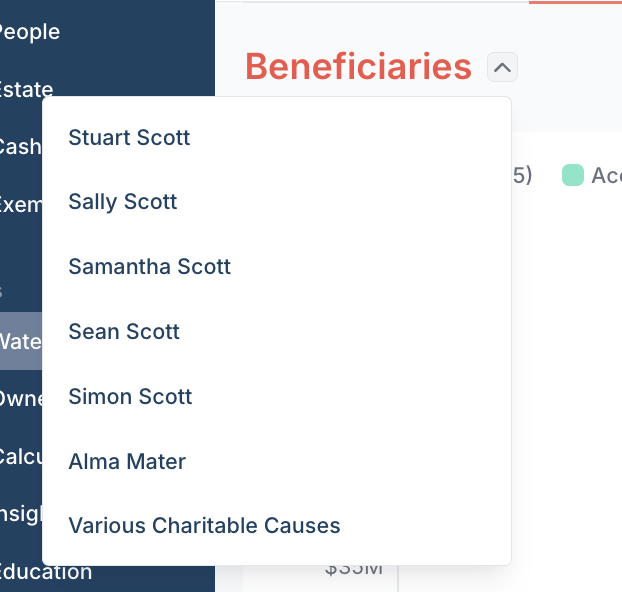
To access an individual beneficiary report, click the bar of an individual beneficiary. You can also navigate between beneficiaries by clicking on the Beneficiaries title and selecting the individual beneficiary.
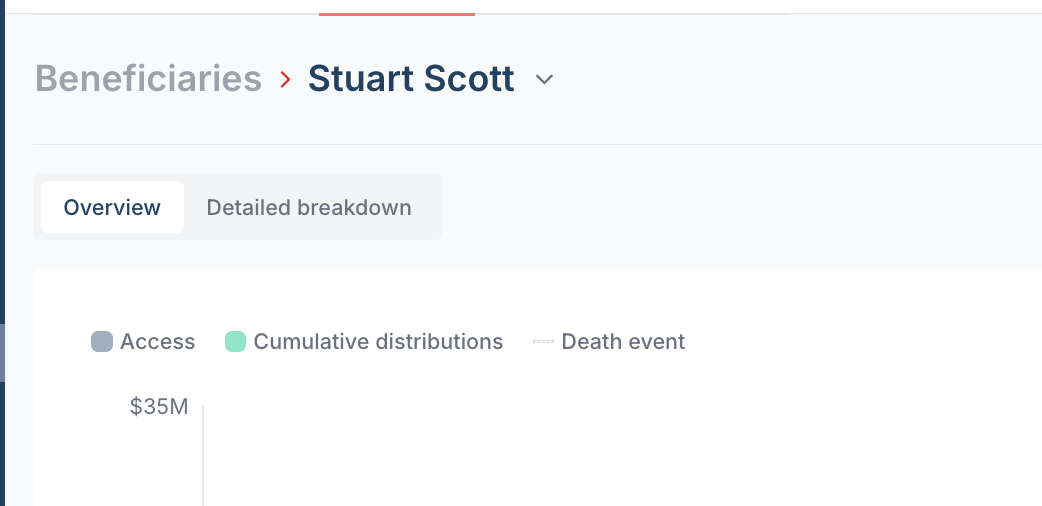
Click Overview or Detailed breakdown to navigate between the diagram view and the detail view
Adding beneficiary reports to the client presentation
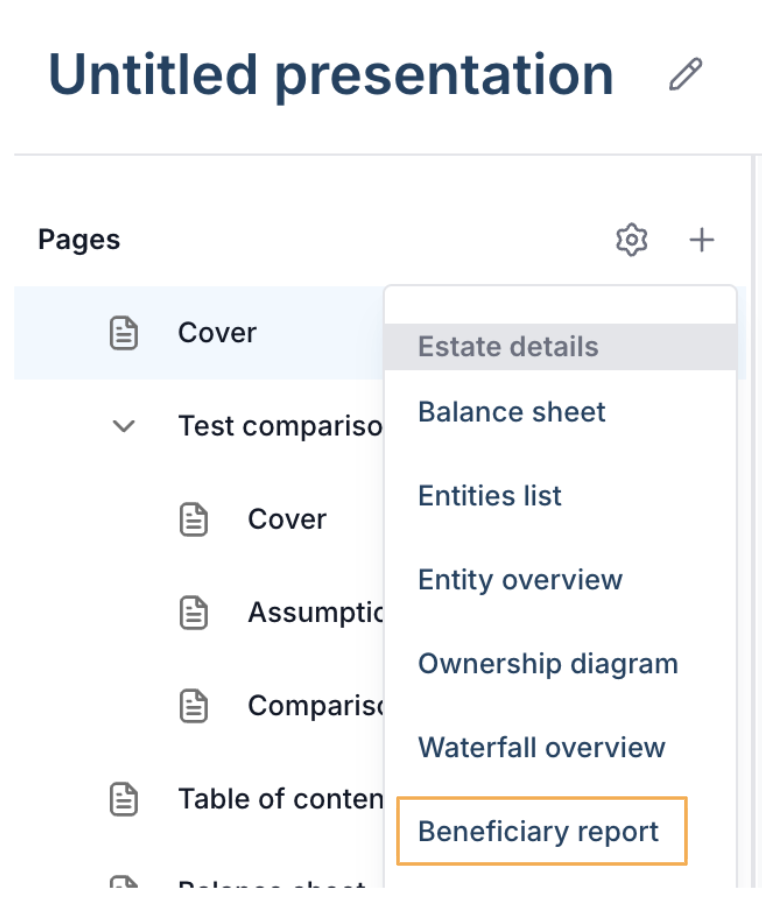
Click the Plus button to add a new page and select Beneficiary report.
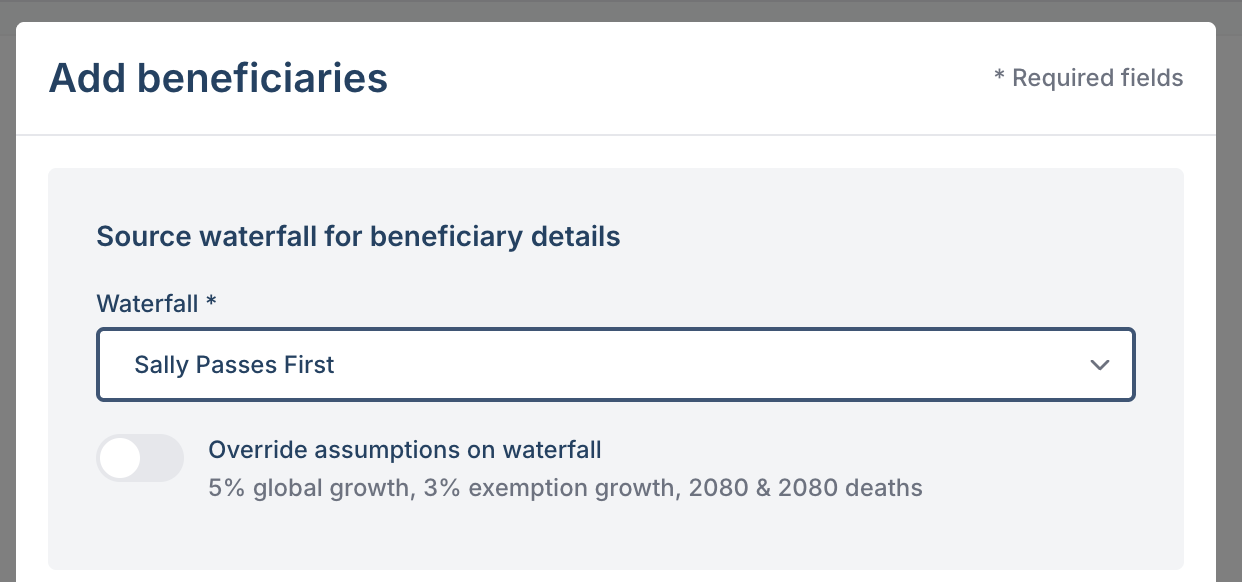
Select the waterfall details that you would like the beneficiary report to reference. Waterfall details include client death order, year(s) or death and asset growth rate assumptions
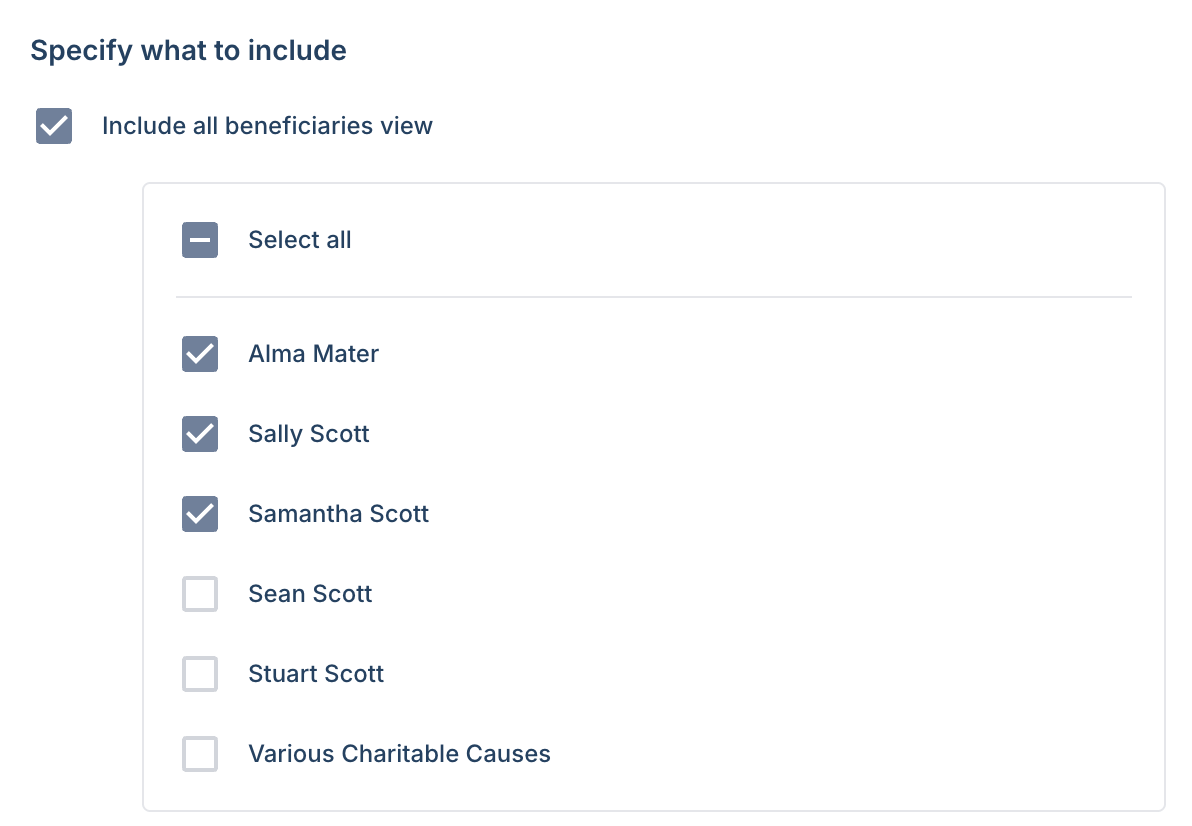
Specify which pages you would like to include
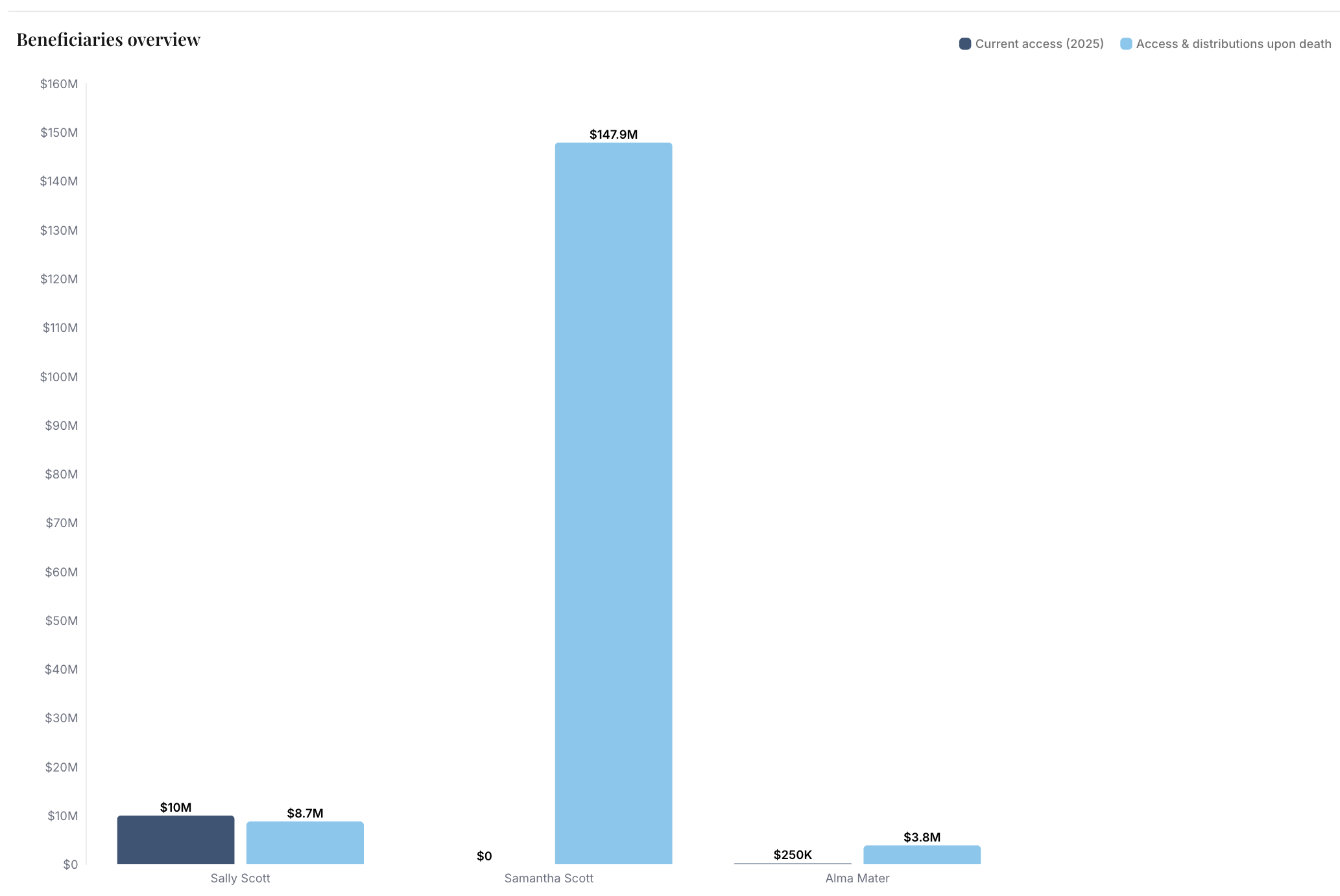
All beneficiaries view - you can choose to show all beneficiaries or individual beneficiaries.
The report output will look like this:
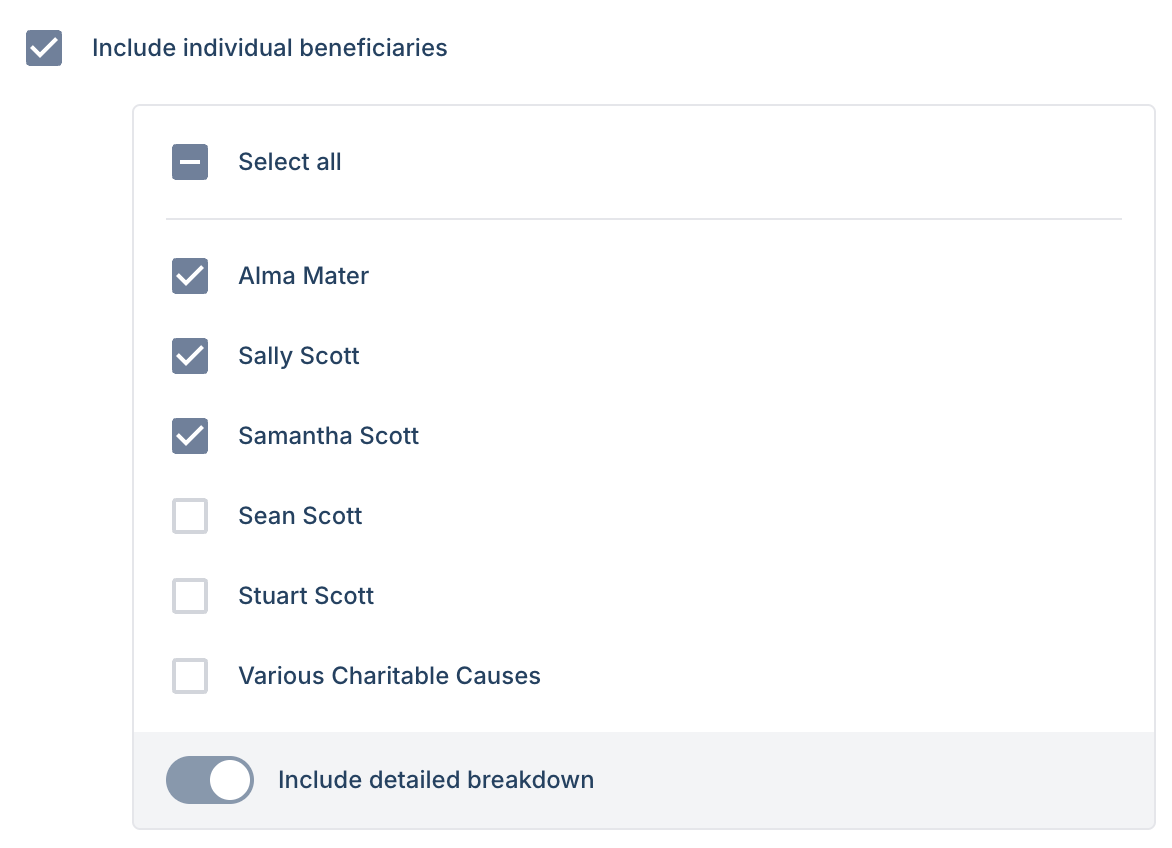
Individual beneficiary view
you can choose to show all beneficiaries or only select beneficiaries.
You can choose to include or exclude the detailed breakdown
The report output will look like this:
Overview page
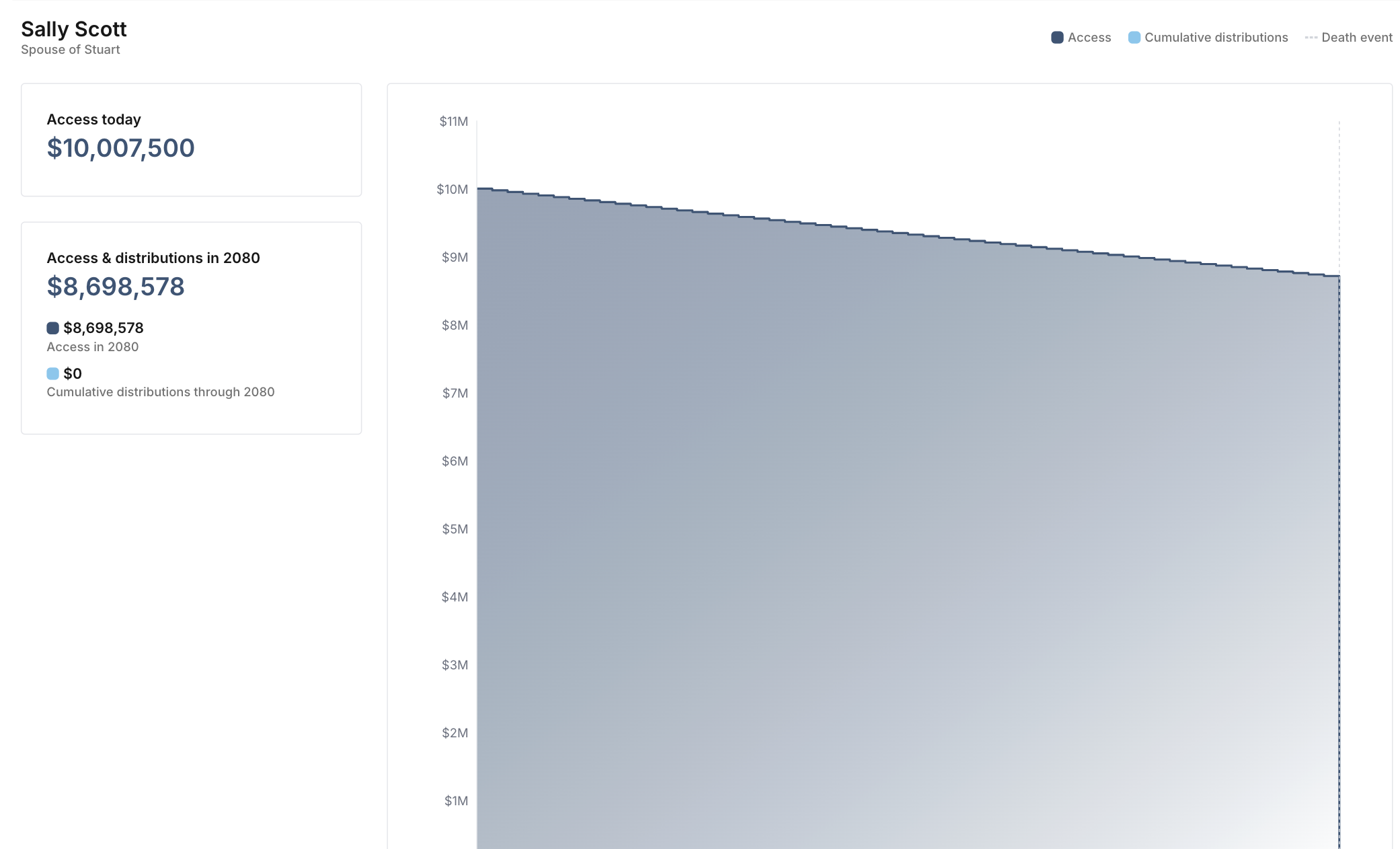
Detailed breakdown page
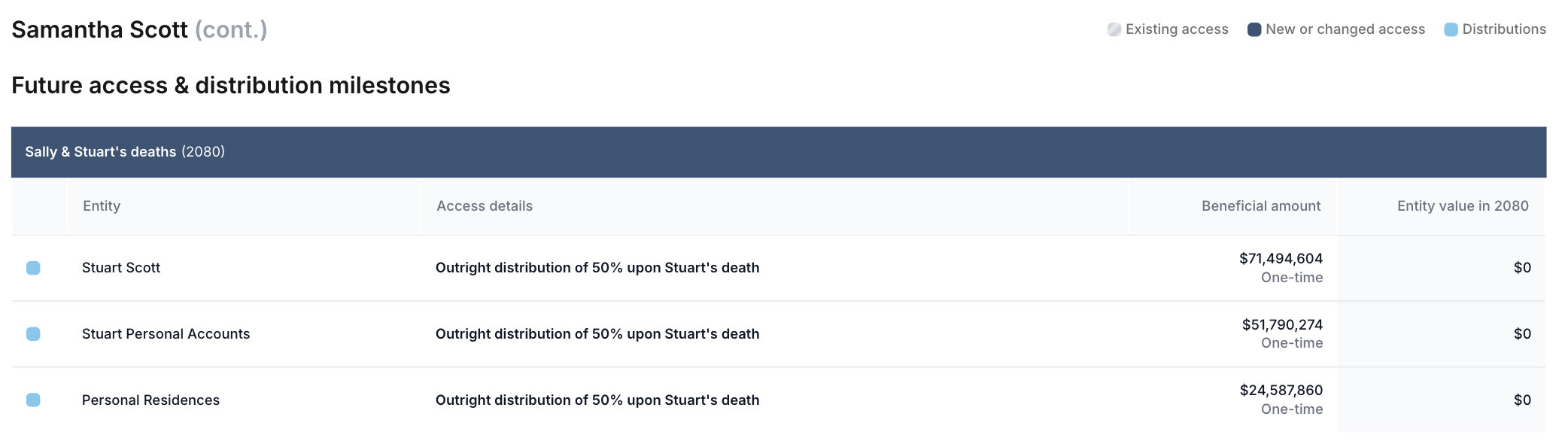
Related articles
📄 Beneficiary reporting: Key terms and calculation methodology