Managing notifications
Last updated: March 31, 2026
Users can customize how they prefer to be notified of actionable items. Follow the below steps to change notification settings:
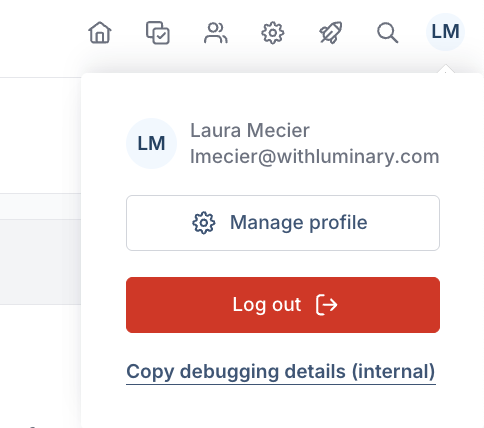
Hover over your initials in the upper right hand corner of any tab in Luminary. Select Manage profile in the pop-up beneath your initials.
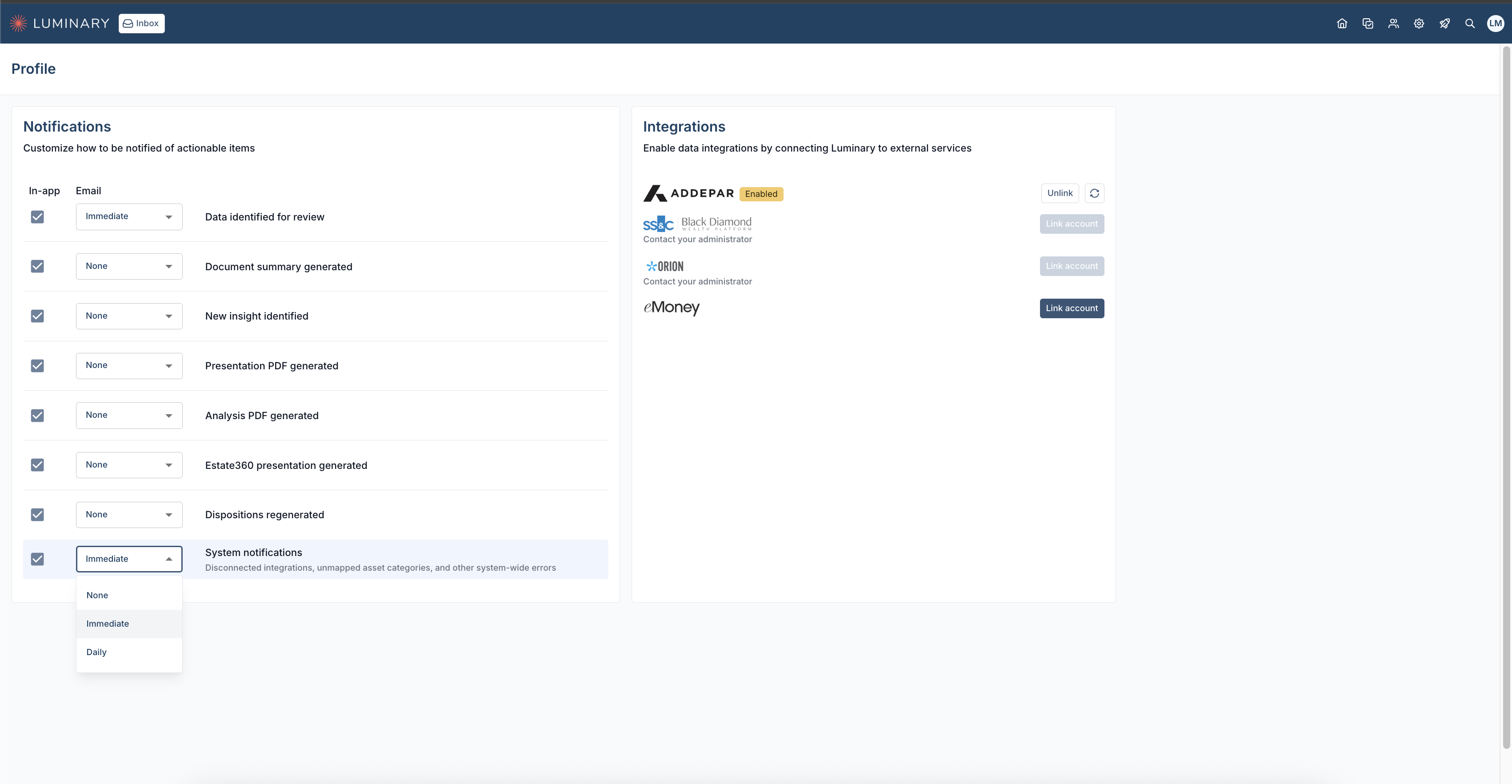
Select which notifications you'd like to receive via email in the drop-down menu, or check the box to receive notifications to your inbox on Luminary.
To see more information about admin tasks in Luminary, click here.