Navigating a client profile
Last updated: March 30, 2026
This article outlines the various features & sections available for every client on Luminary. We outline the type of information that is displayed in each section of a client profile.
The left hand navigation bar is designed to support the typical workflow you will follow when building a full client profile - reviewing documents (Documents), creating entities and building the balance sheet (Estate), adding the inputs that would affect waterfall calculations (Cash Flows and Exemptions).
From here, you can leverage specific tools based on the deliverable you want to create and the conversation you have with your client.
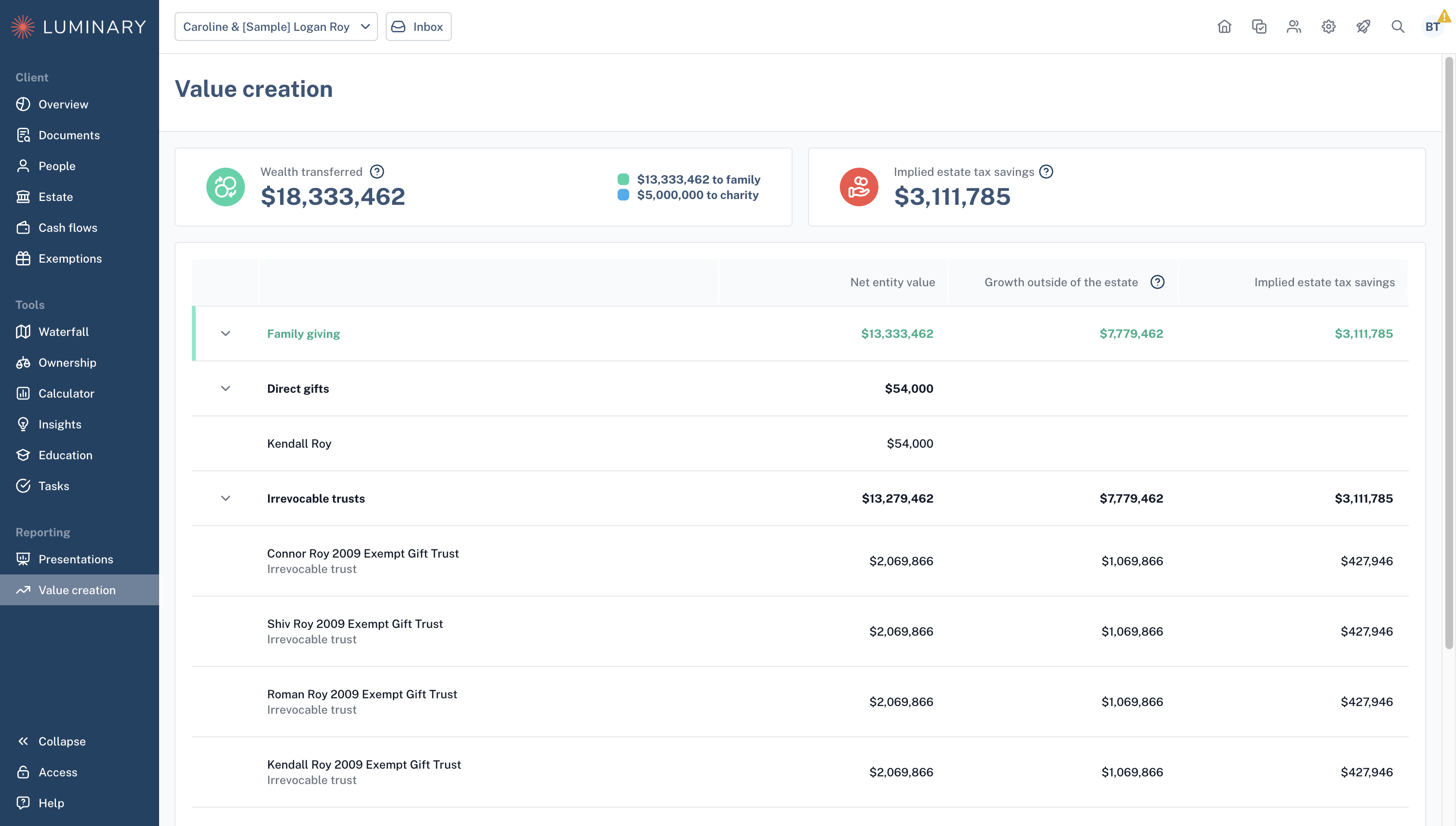
Finally, when you're ready to report the information back to your client, you can build a professional, white labeled presentation (Presentations) and quantify the value of planning back to your client (Value creation).
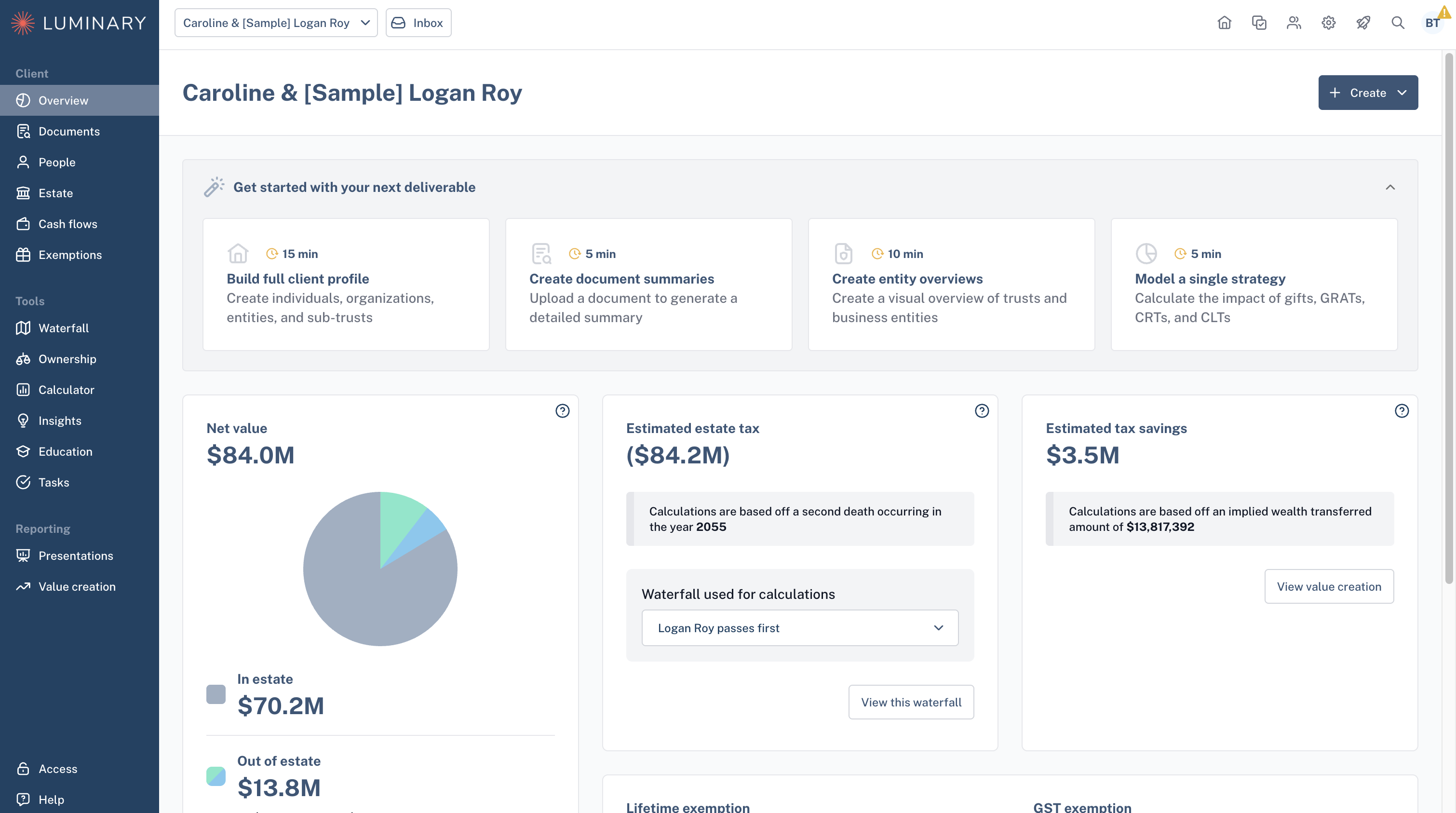
Overview
The Overview page includes high level estate planning metrics for your client, including total estate value, projected estate taxes (based on the most recently viewed waterfall), tax savings, and remaining exemptions.
The overview page is also home to our deliverables launchpad, where you can choose a guided walkthrough to create client-facing materials such as the balance sheet, document summaries, entity overviews, or the full client profile.
Documents
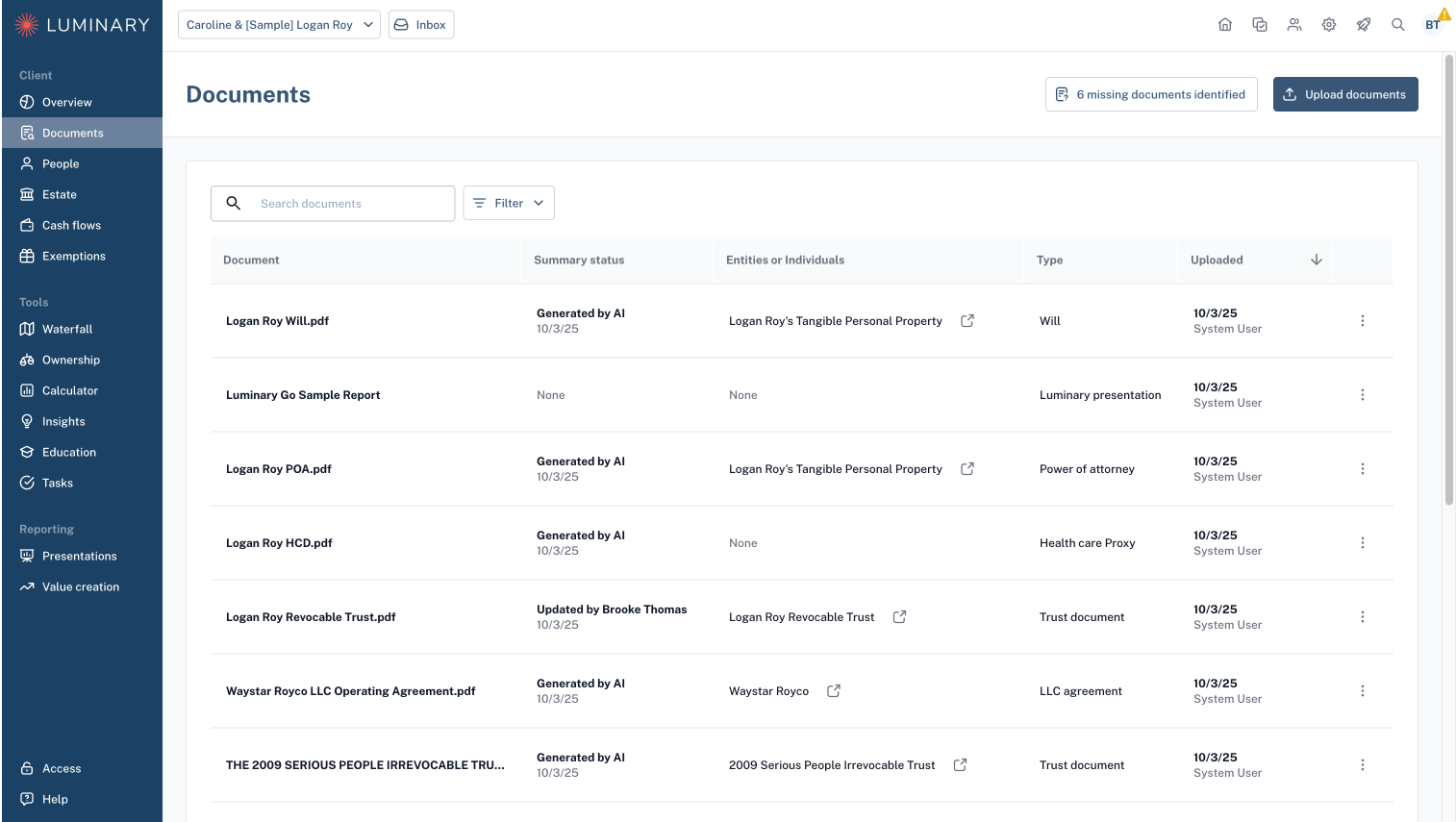
The Documents page allows you to upload and keep record of related documents for your clients’ estate plan. Documents that are uploaded directly to an entity can be viewed, downloaded, or summarized using our AI document summary tool.
People
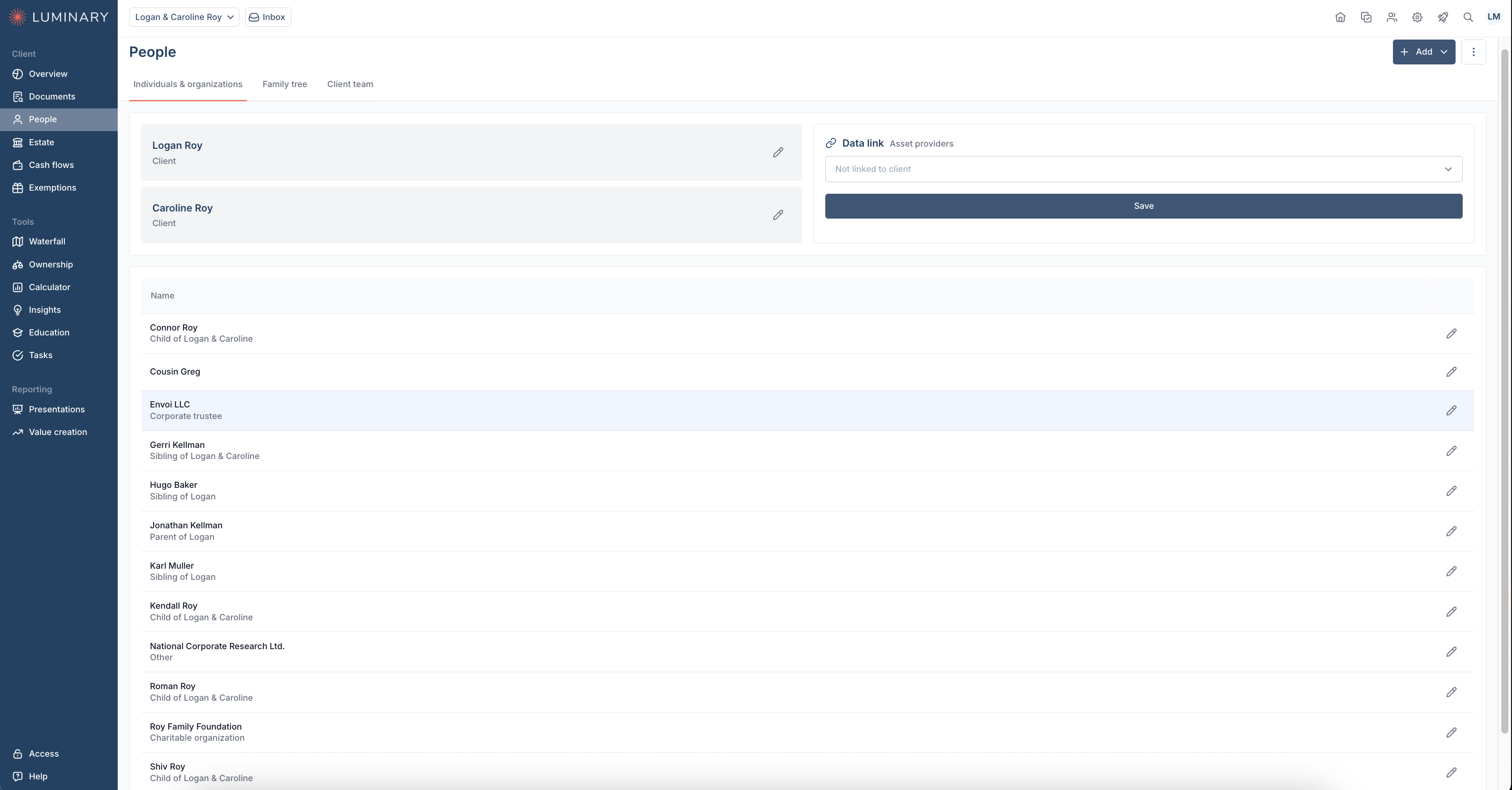
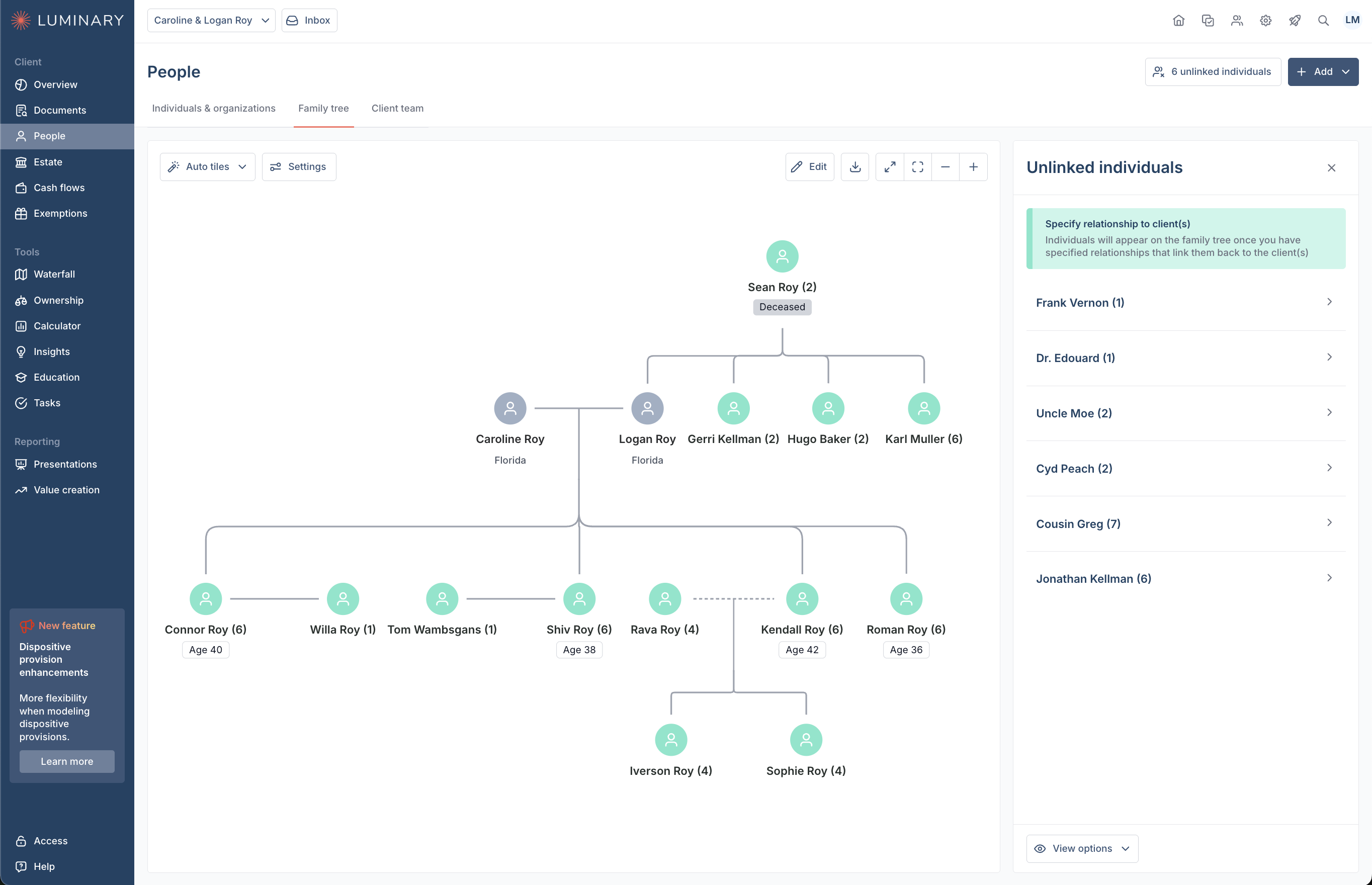
The People page includes three sub-pages: Individuals & organizations, Family tree, and Client team.
The Individuals & organizations page is where you can manage details about your clients, as well as and non-client individuals and organizations. Clients include grantors, and non-clients may include family members, trustees, or charitable/non-charitable organizations.
The Family tree page is an easy way to visualize the family structure individuals affiliated with the current estate plan. This tab is AI enabled, customizable, and insertable into client presentations.
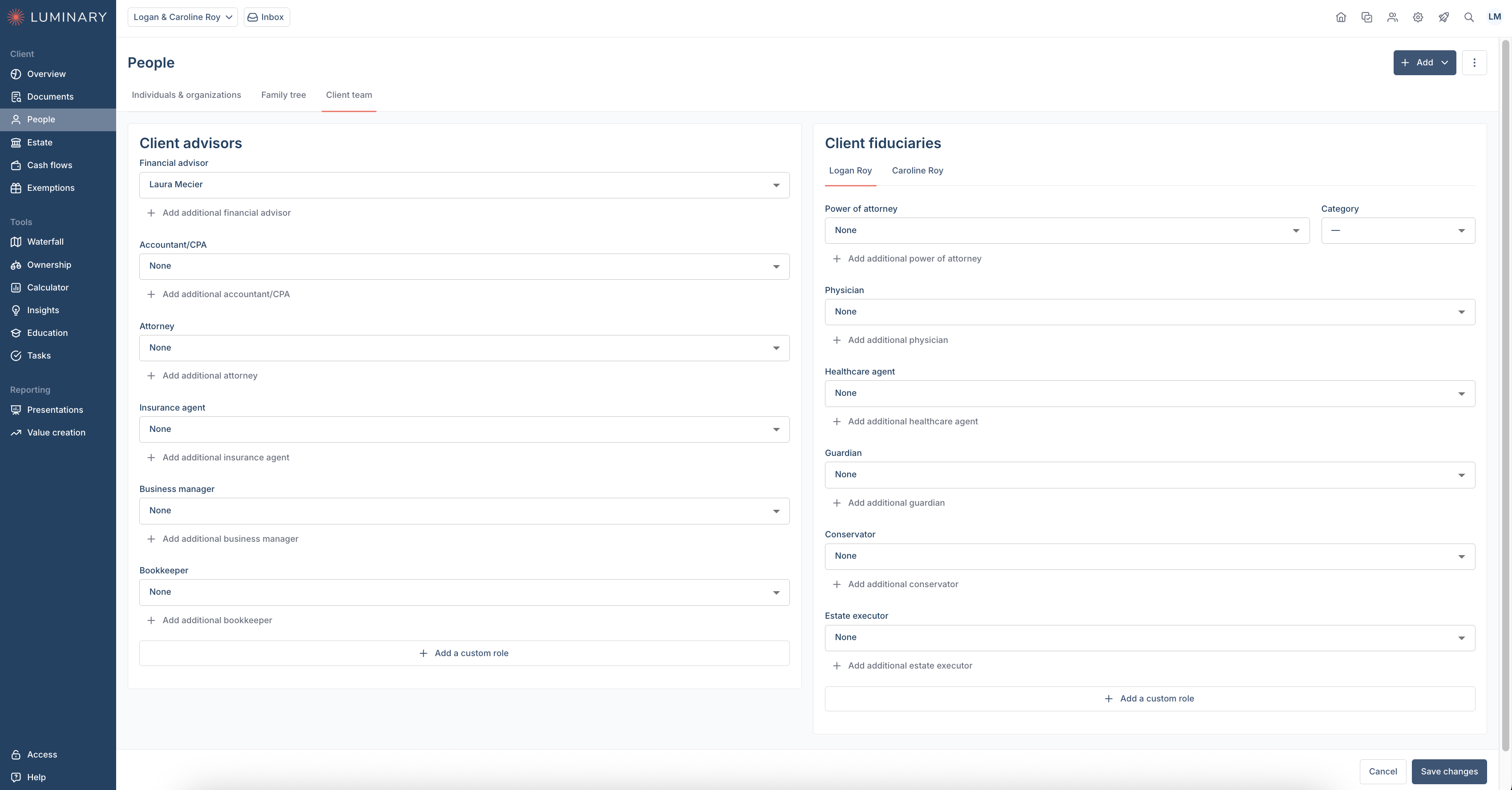
The Client team page consists of other professionals or fiduciaries who may be involved with your clients’ estate plan. Examples include accountants, attorneys, estate executors, and more. You can keep record of their name and role here.
Estate
The Estate page is the centralized hub for capturing and organizing everything your client owns—across all ownership structures. It helps you build a complete picture of the estate, identifying not only what assets exist but also how they are held. The Estate page is organized into seven sub-pages: Balance sheet, Direct holdings, Trusts, Businesses, Life insurance, Liabilities, and Dispositions. This structure reflects the key ownership types, asset classes, and vehicles through which a client’s wealth may be held or transferred.
Balance sheet
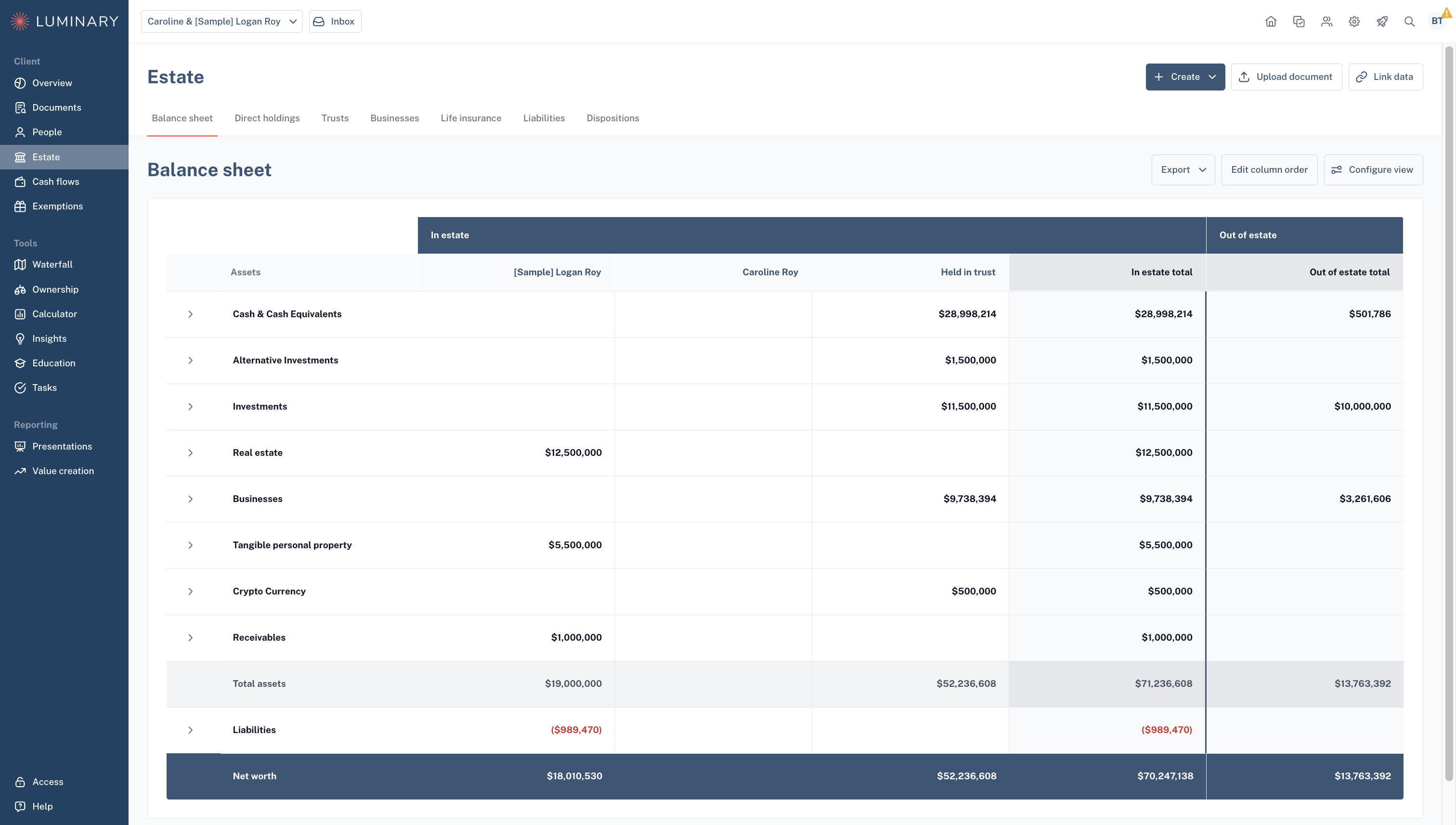
The Balance sheet gives you a highly configurable overview of the clients assets and liabilities across the entities that have been created. Assets can be viewed at the category level or expanded to get a more granular breakdown of what the client owns and owes.
Direct holdings
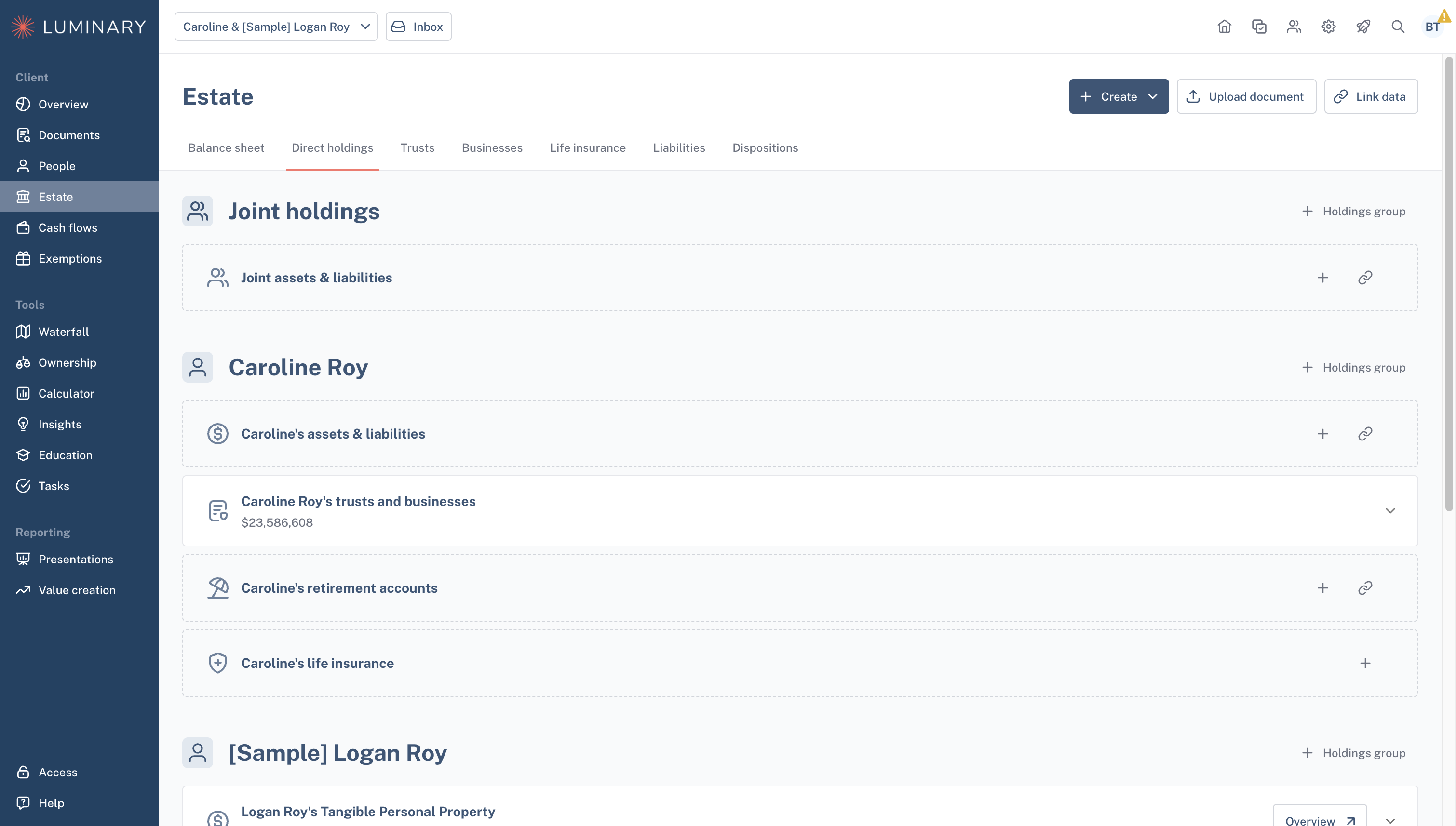
The Direct holdings page is where you add and manage assets your client owns outright—either individually or jointly. These may include retirement accounts, brokerage accounts, or other assets not held in trust. Revocable trusts will appear here and be attributed to the relevant client, they are managed directly on the Trusts page. Businesses owned directly by the individual will appear here as well but are managed from the Businesses page.
Trusts
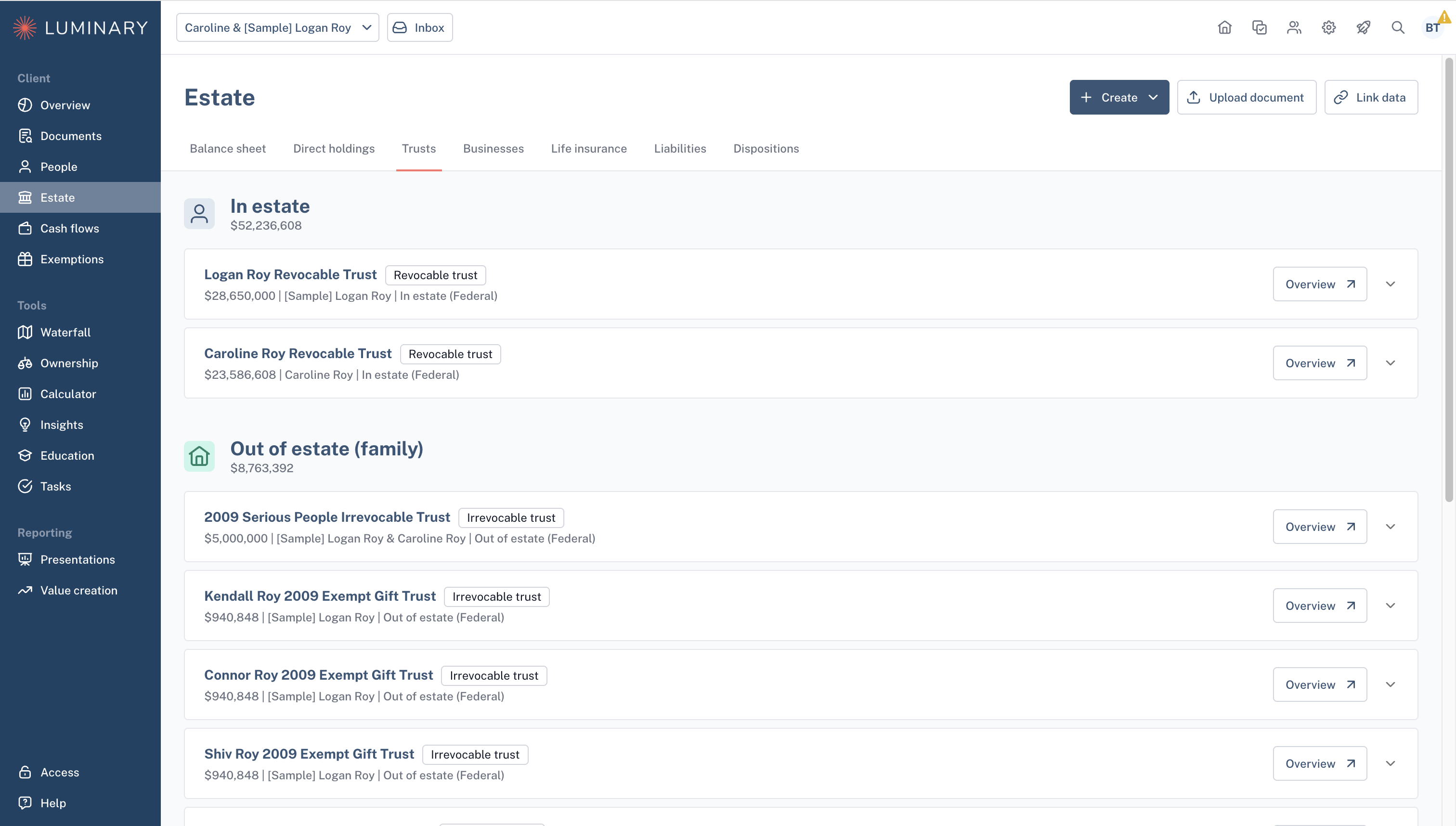
The Trusts page is where you add and manage your client’s trust entities. This includes both the entity details—such as trustee and beneficiary information—and the assets held within each trust. From this page, you can view and manage In estate trusts, Out of estate trusts, Charitable entities, and sub-trusts.
Businesses
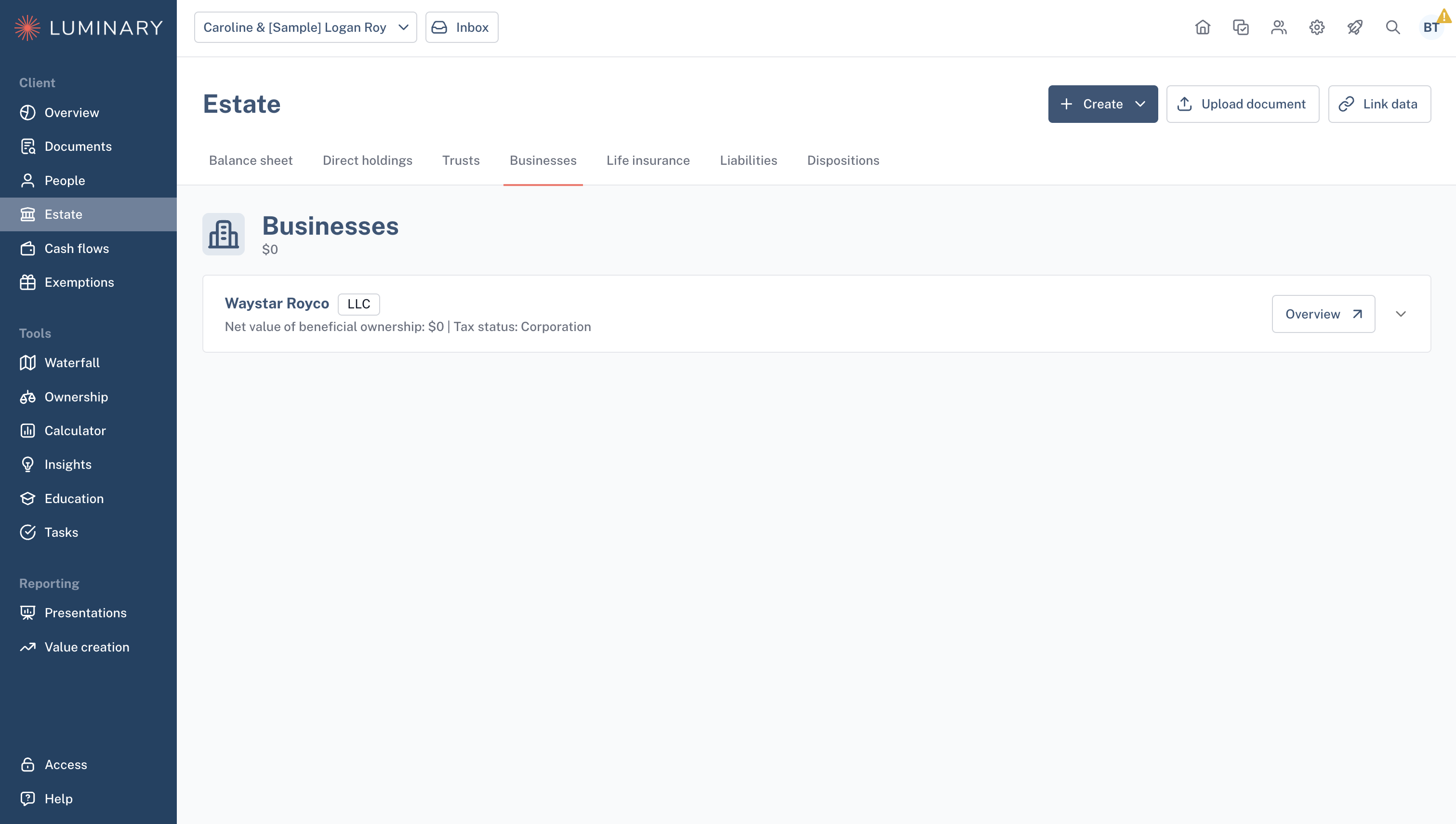
The Businesses page is where you add and manage your client’s business entities. This includes both the entity details—such as key people and ownership information—and the assets held within each business.
Life insurance
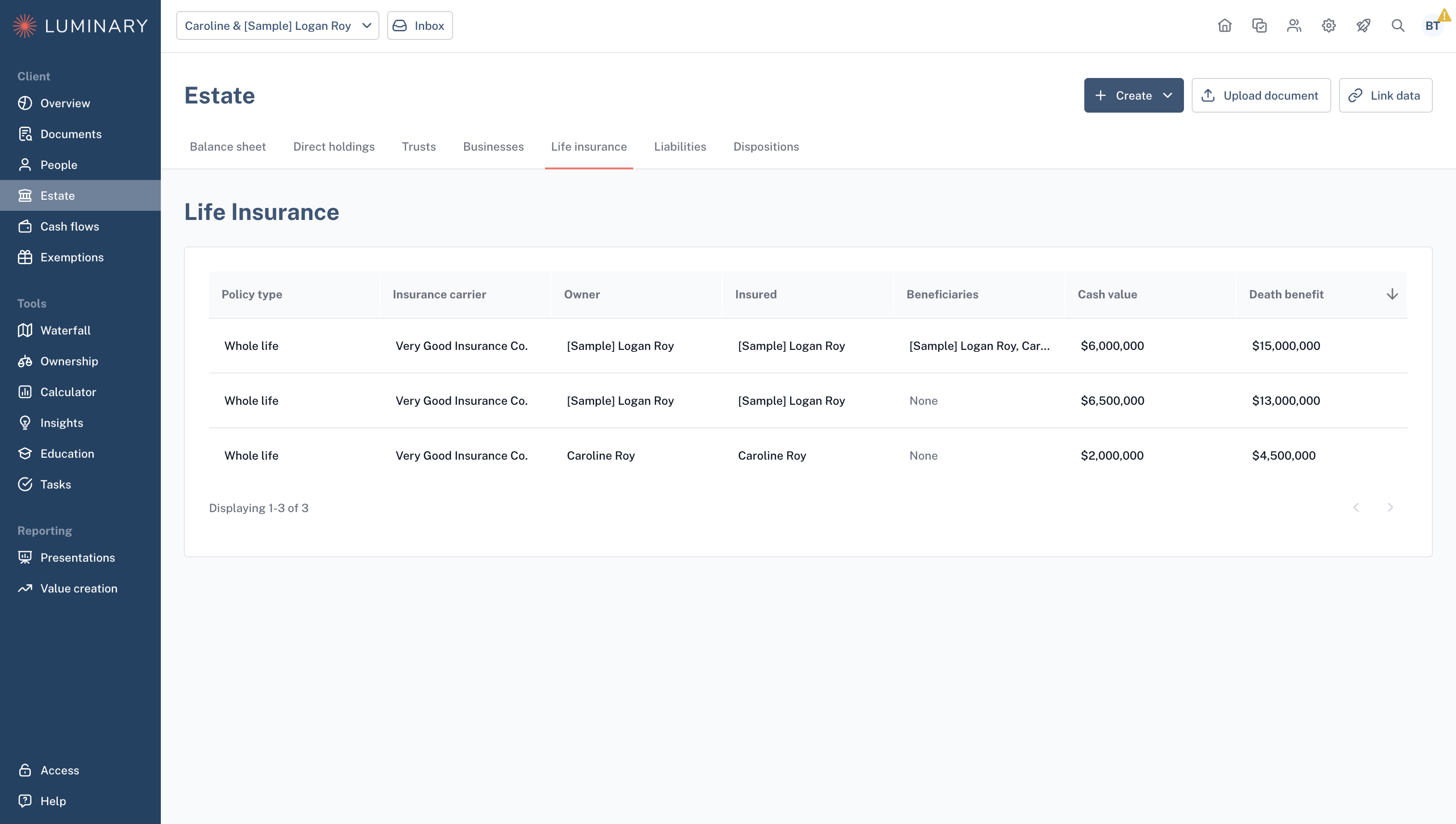
The Life insurance page provides a centralized view of all policies owned by the household, whether held directly or through various entities.
Liabilities
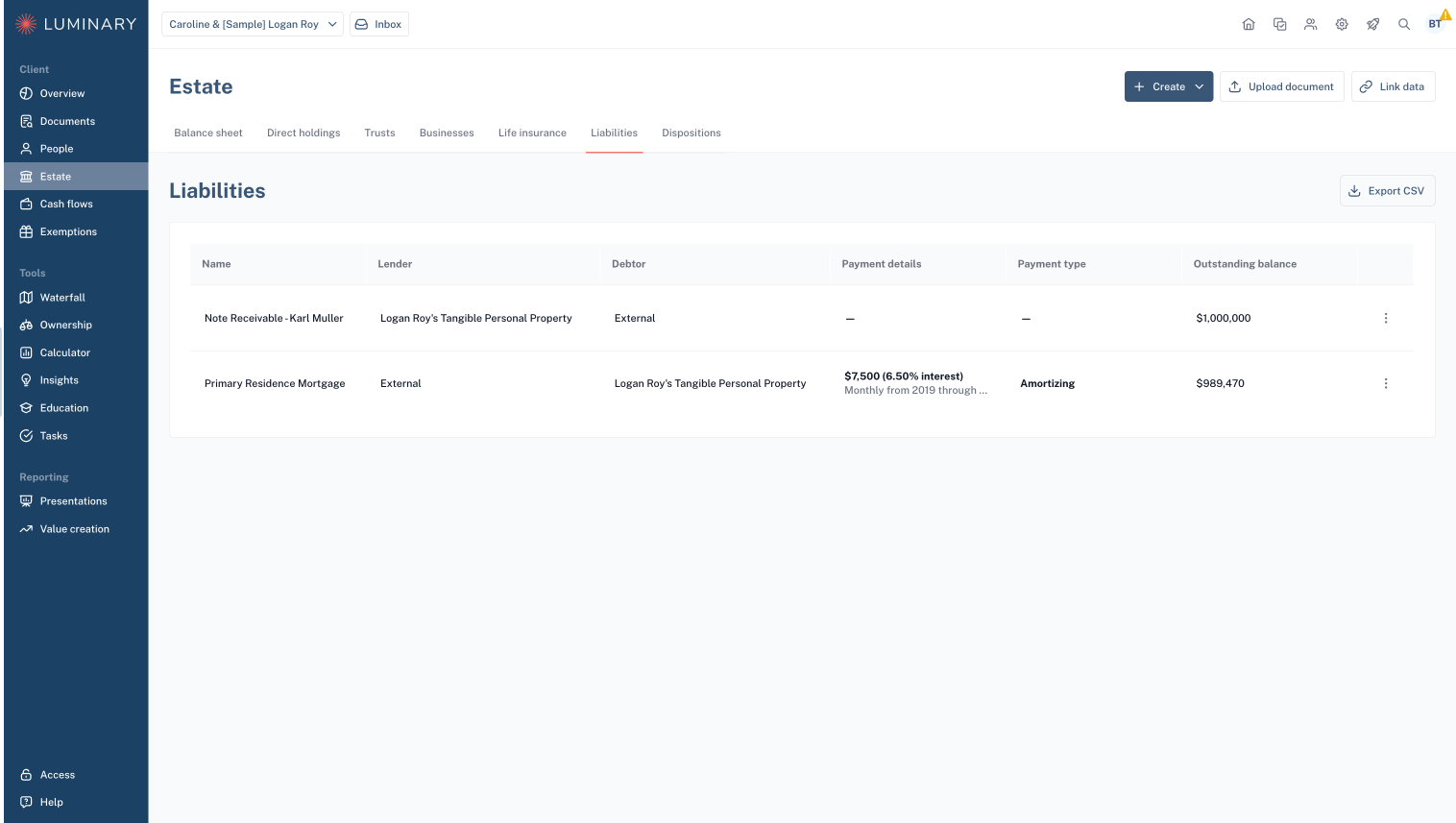
The Liabilities page is the centralized hub for all household liabilities. From here, you can view and manage each obligation in one place.
Dispositions
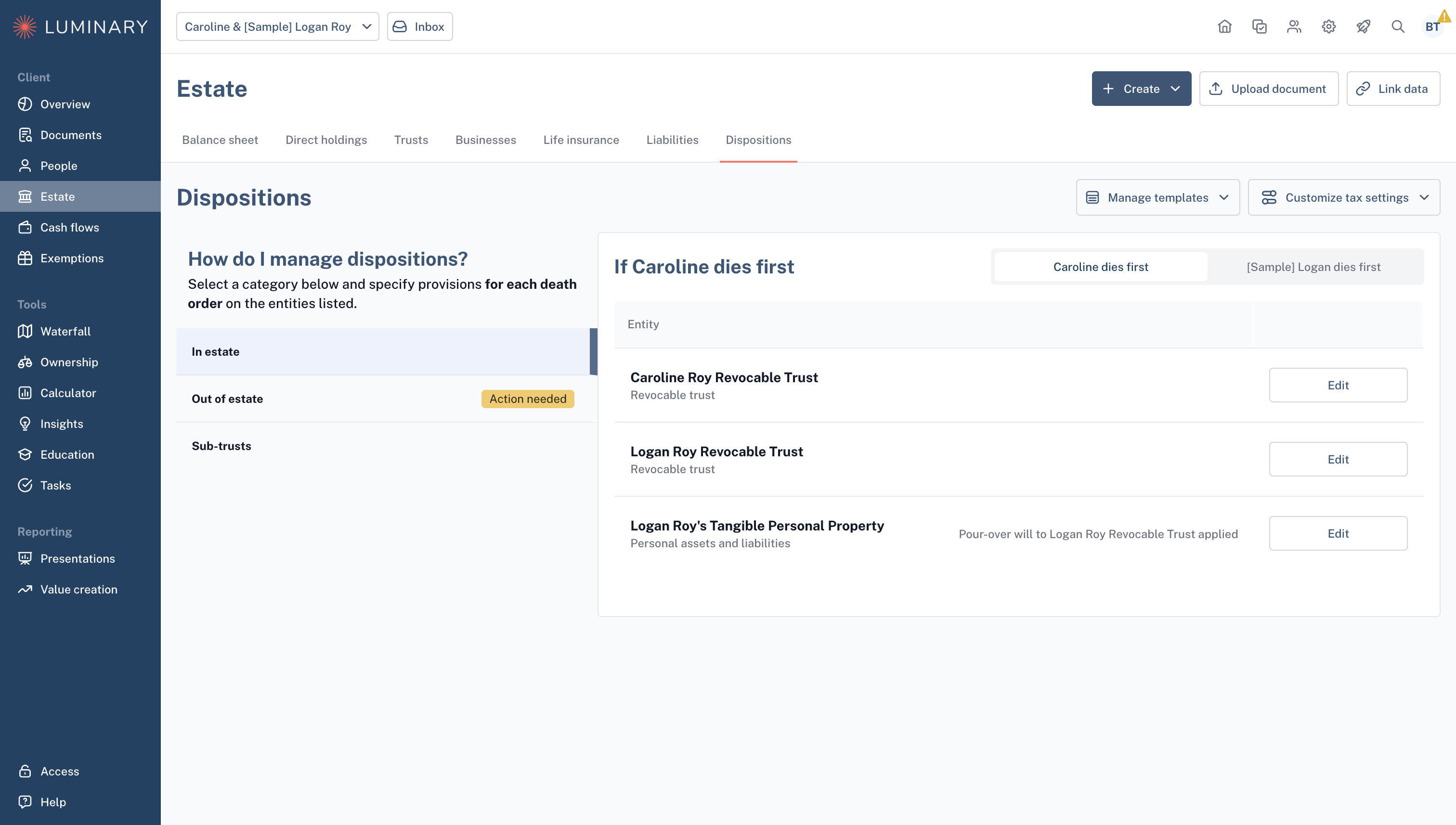
The Dispositions page allows you to manage your dispositions for each entity or holding group, specifying what is distributed and in what order (after first or second death). Data entered here will impact the visual flow of the Estate waterfall.
Cash flows
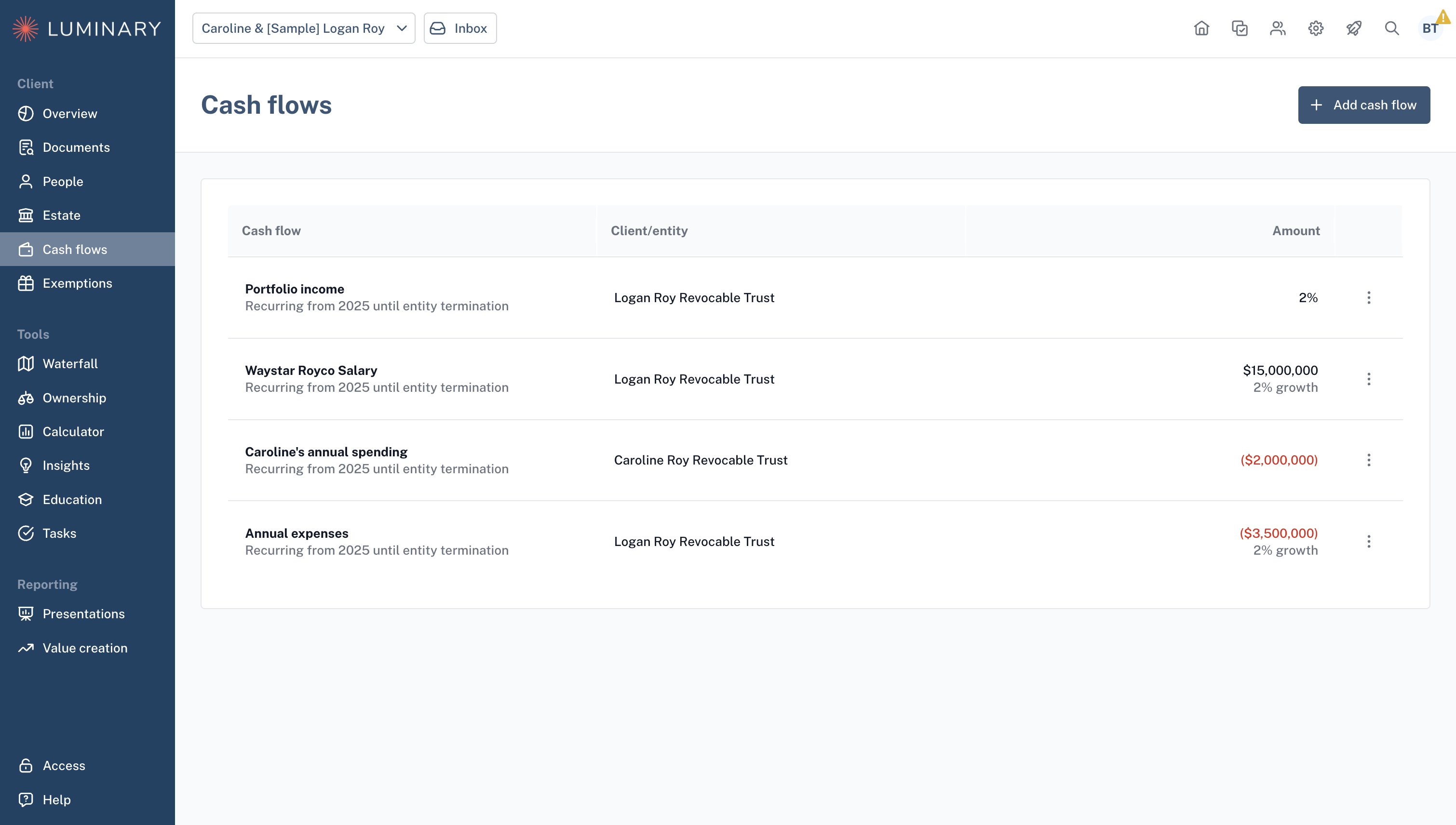
The Cash flows page is where you can manage your clients’ cash flows such as annual salary or living expenses. These values will be reflected in the projected entity values in the Estate waterfall.
Exemptions
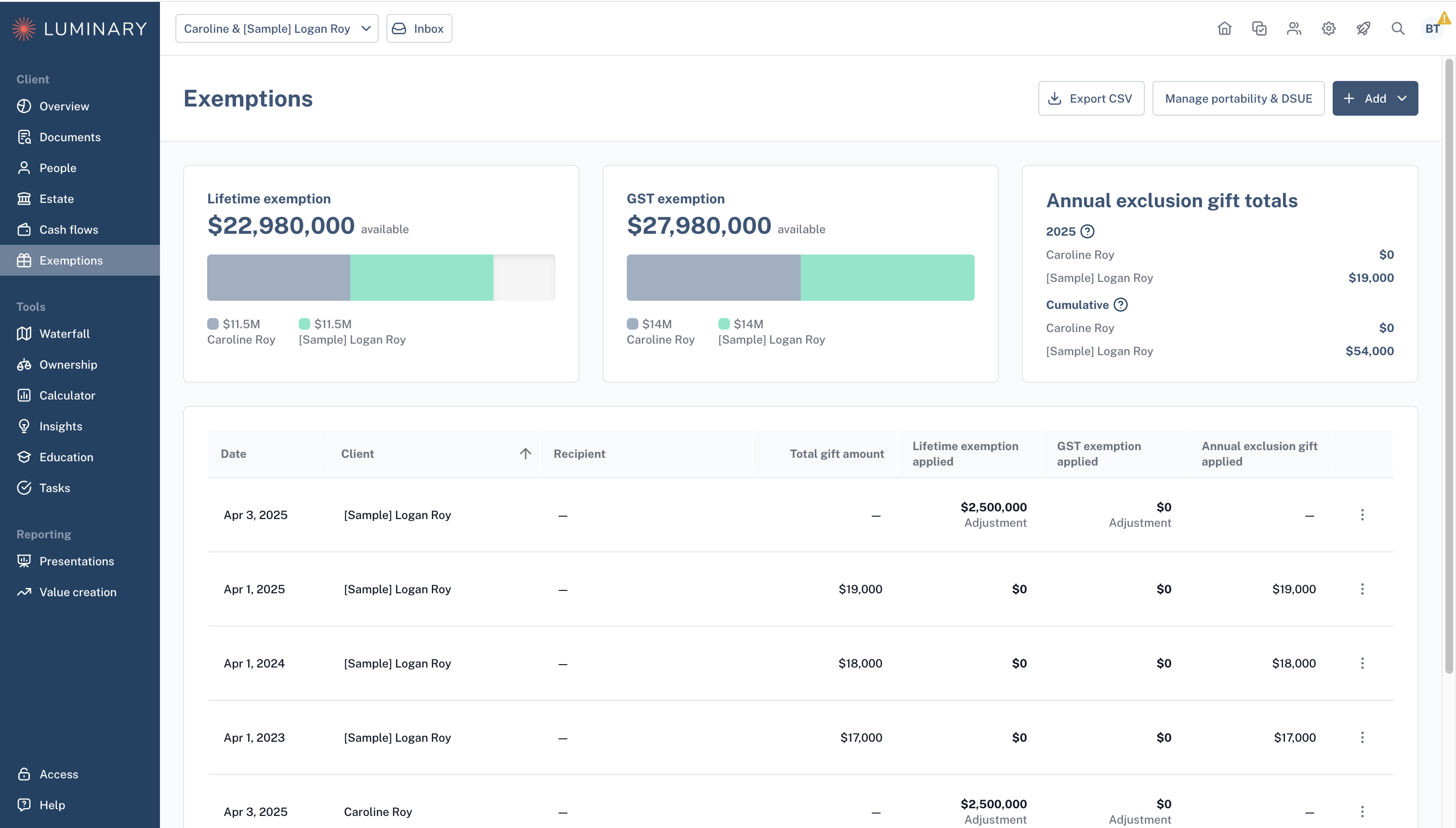
The Exemptions page is where you track taxable gifts and exemption usage, creating a record for internal tracking or sharing with external partners. Remaining exemption amounts are automatically reflected in the Estate waterfall tax calculations.
Waterfall
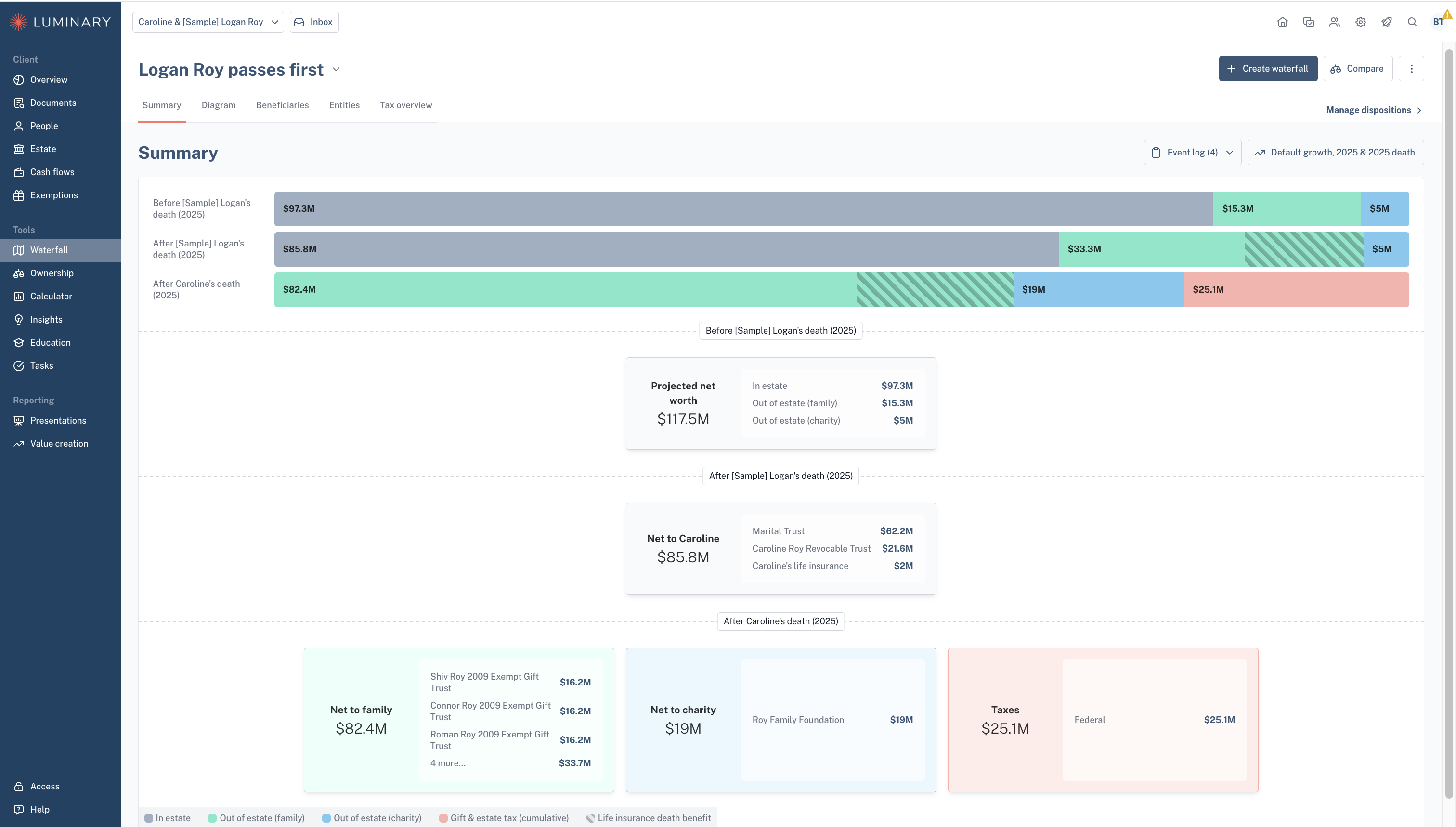
The Waterfall page includes the following sub-pages: Summary, Diagram, Entities, and Tax overview. The waterfall projects out your clients’ future estate plan based on dispositions entered for each entity, growth rate, and death year assumptions. Each page of the Estate waterfall represents the estate plan in either a diagram or table format, and allows you to view the detailed calculations that power the visuals.
Ownership
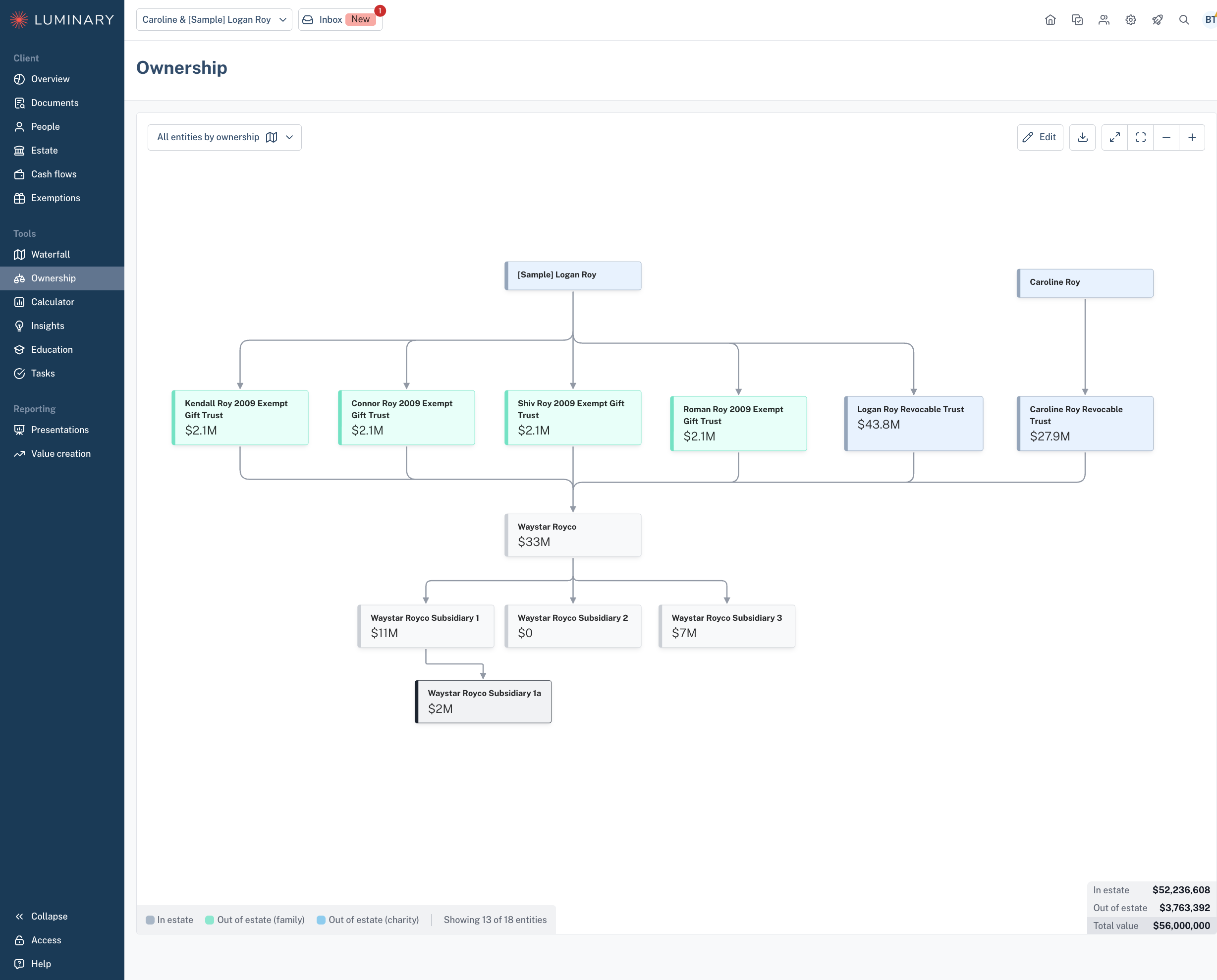
The Ownership page displays a visual flow of all active entities and how they are owned. You may customize this view by creating filtered views of specific entities.
Calculators
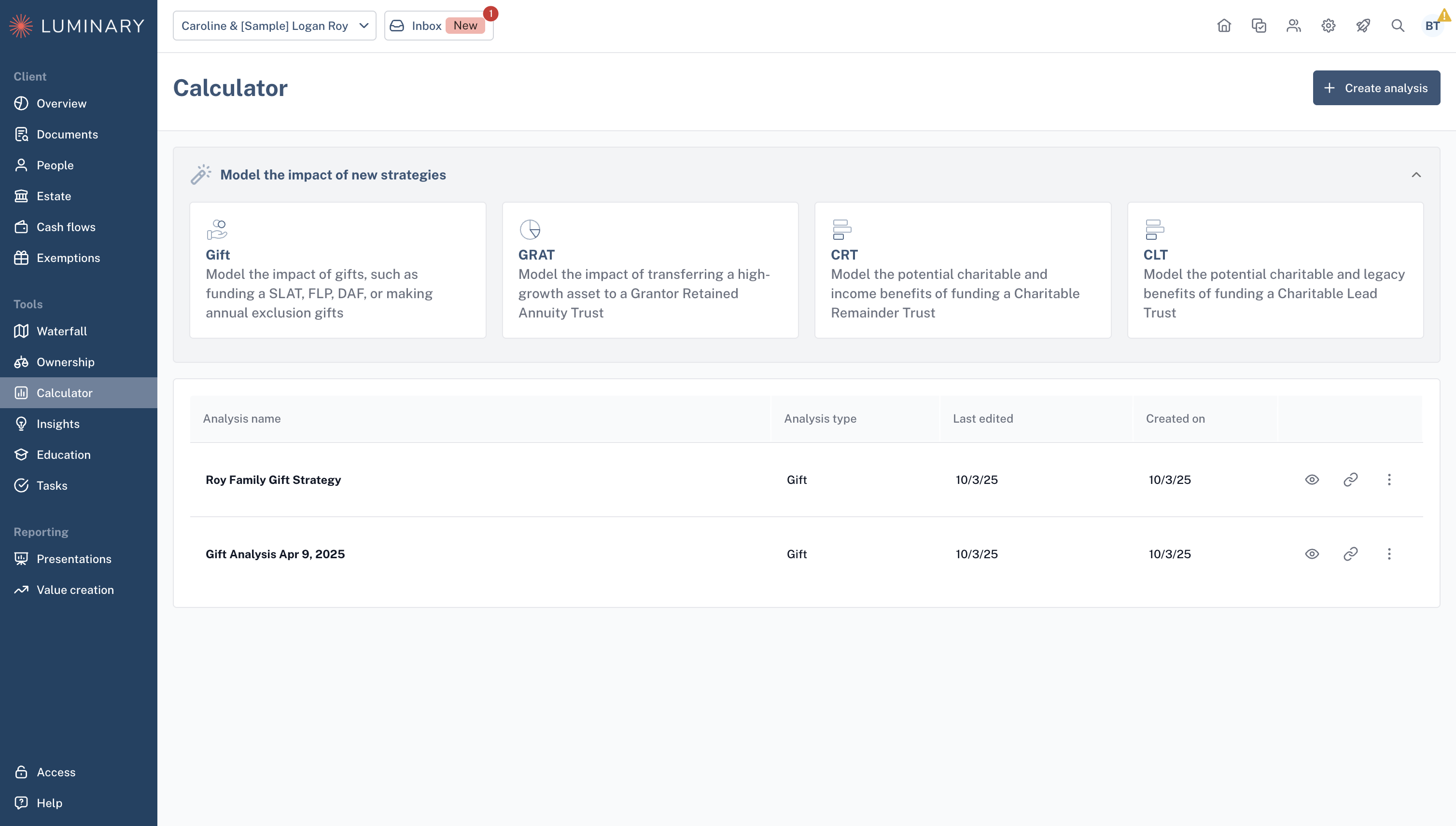
The Calculators page allows you to create quick strategy calculations from a list of strategies such as gifts, GRATs, CRT, and CLT. These allow you to compare multiple scenarios for each of the strategies we support and export them into a PDF document to share with your client or prospect.
Insights
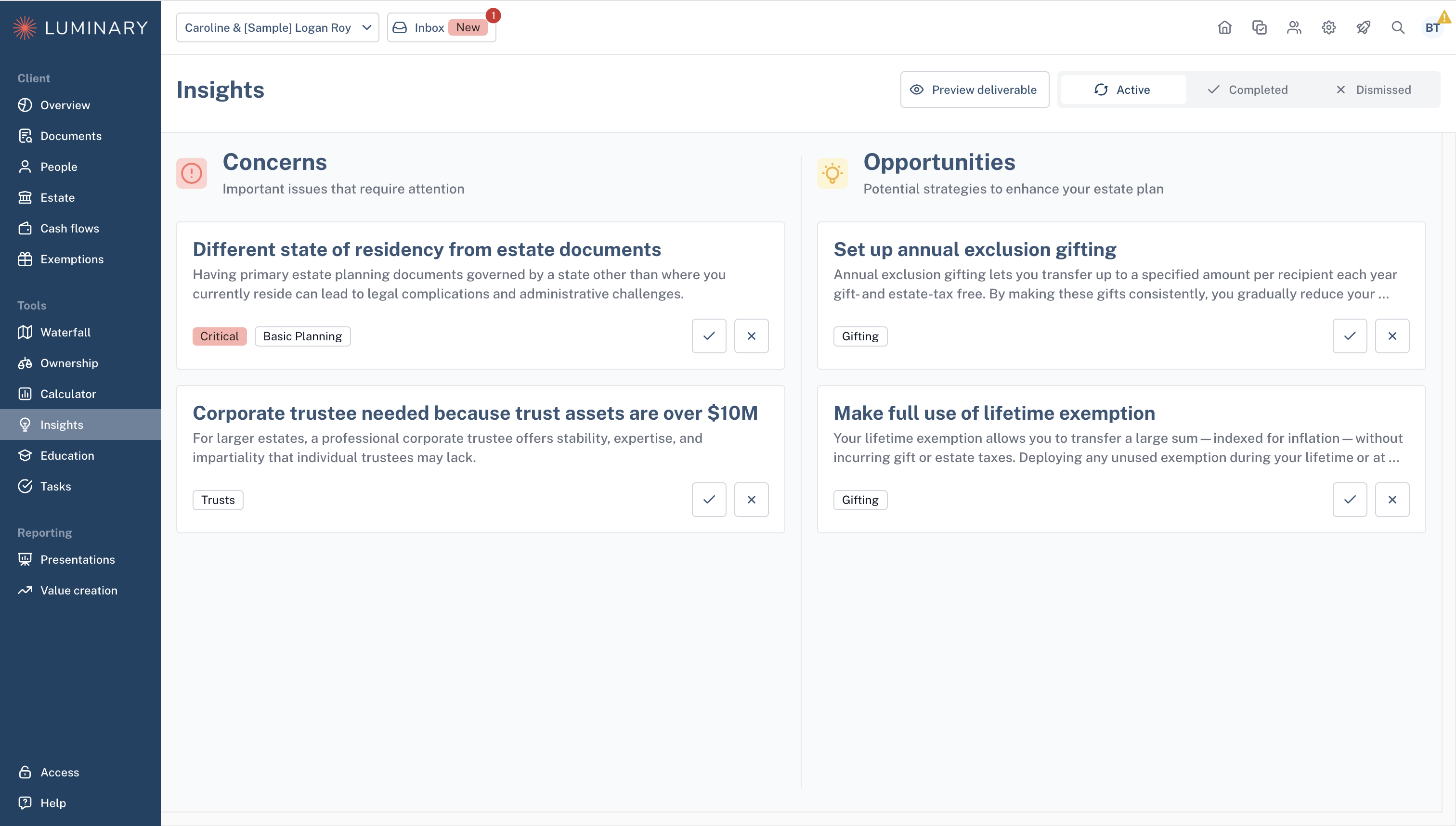
The Insights page is where you can go to access the AI surfaced concerns and opportunities for your client based on the documents uploaded and data entered into the platform.
Education
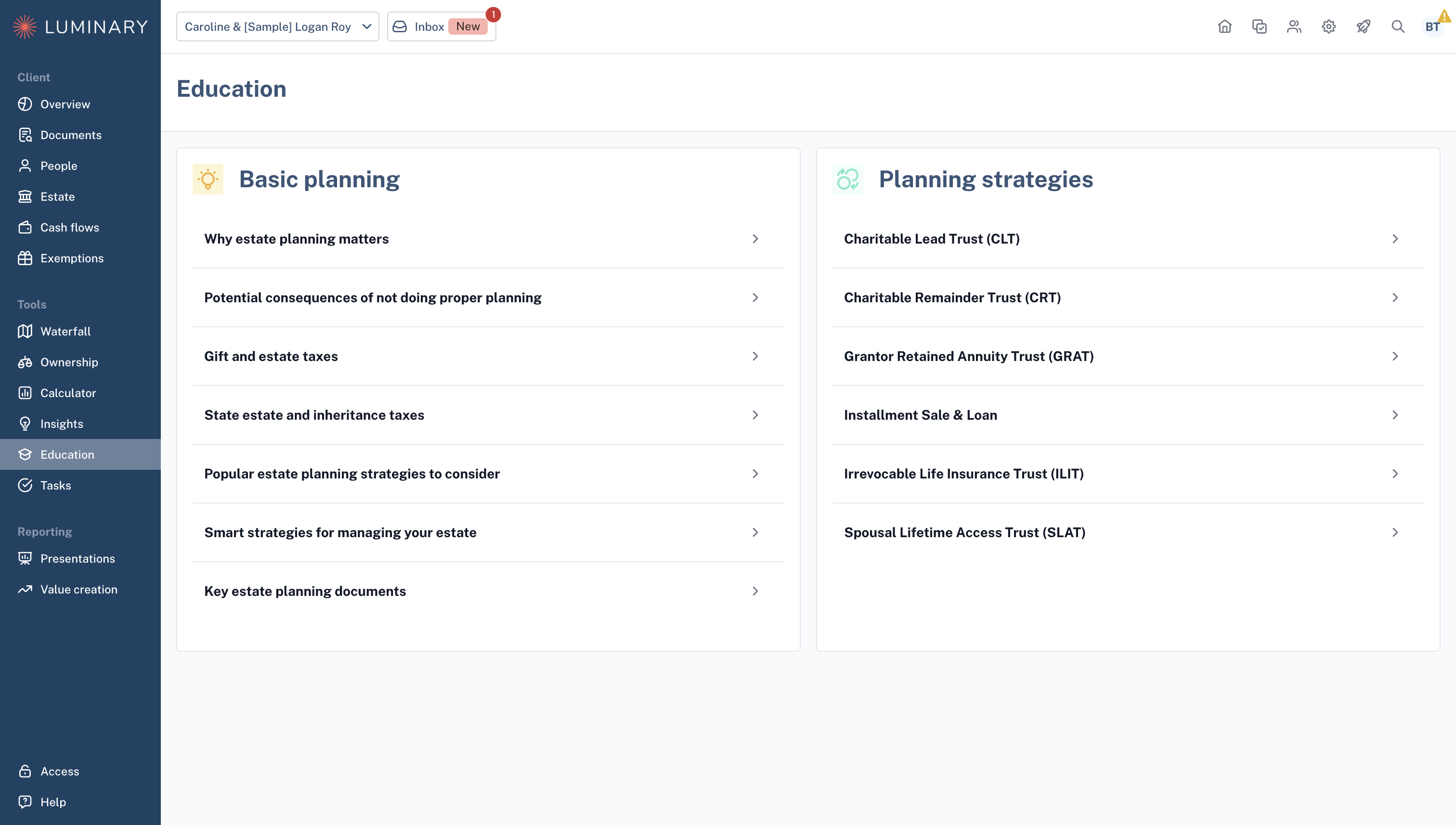
The Education page allows you to view and download all white labeled education material in the Luminary library.
Tasks
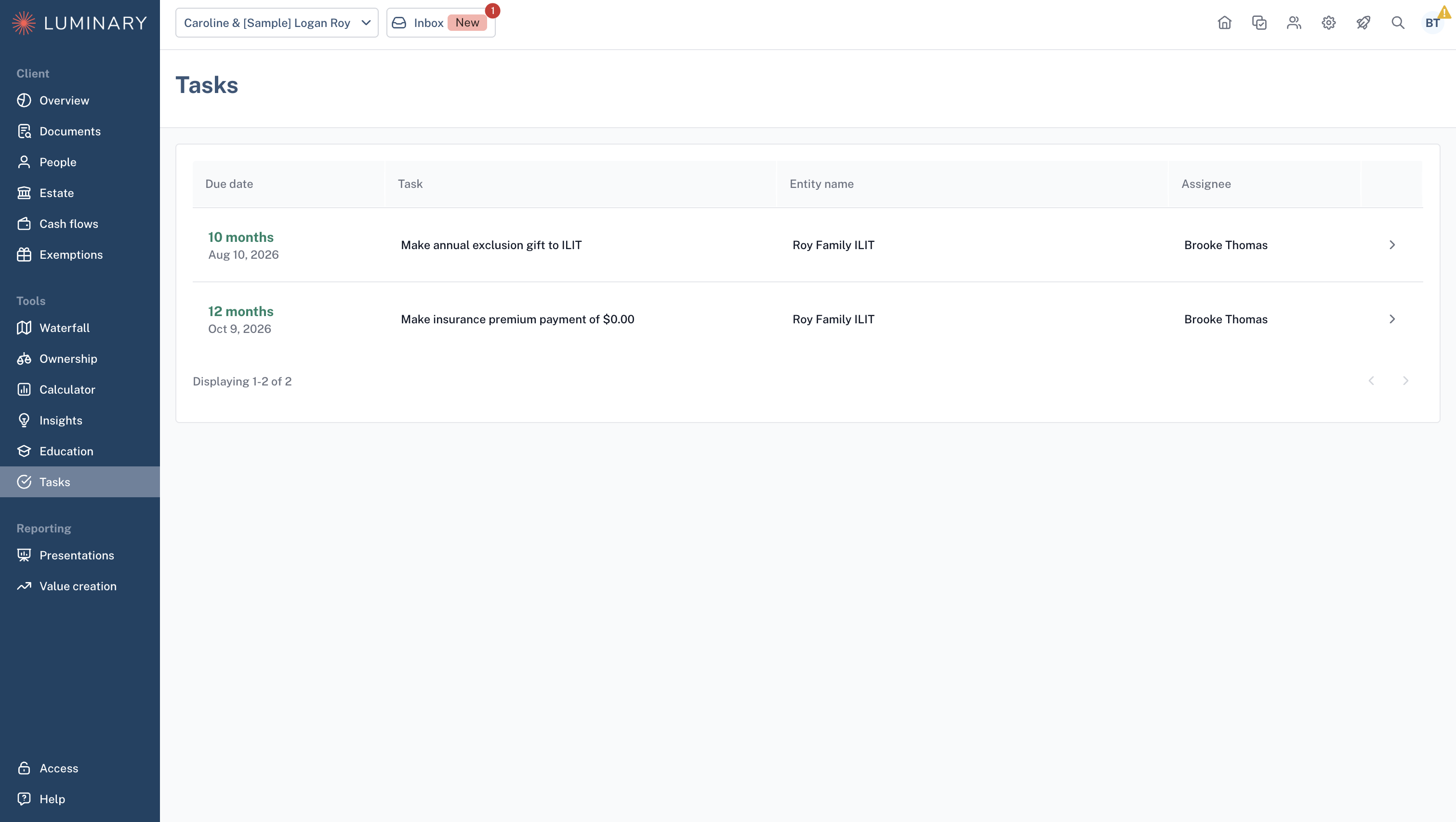
The Tasks page enables you to easily manage tasks for strategies that require administrative support such as making ILIT premium payments or GRAT payments. The table will include the due date, type of task, related entity, and task owner. This is a helpful way to track any outstanding action items across multiple strategies for your client.
Presentations
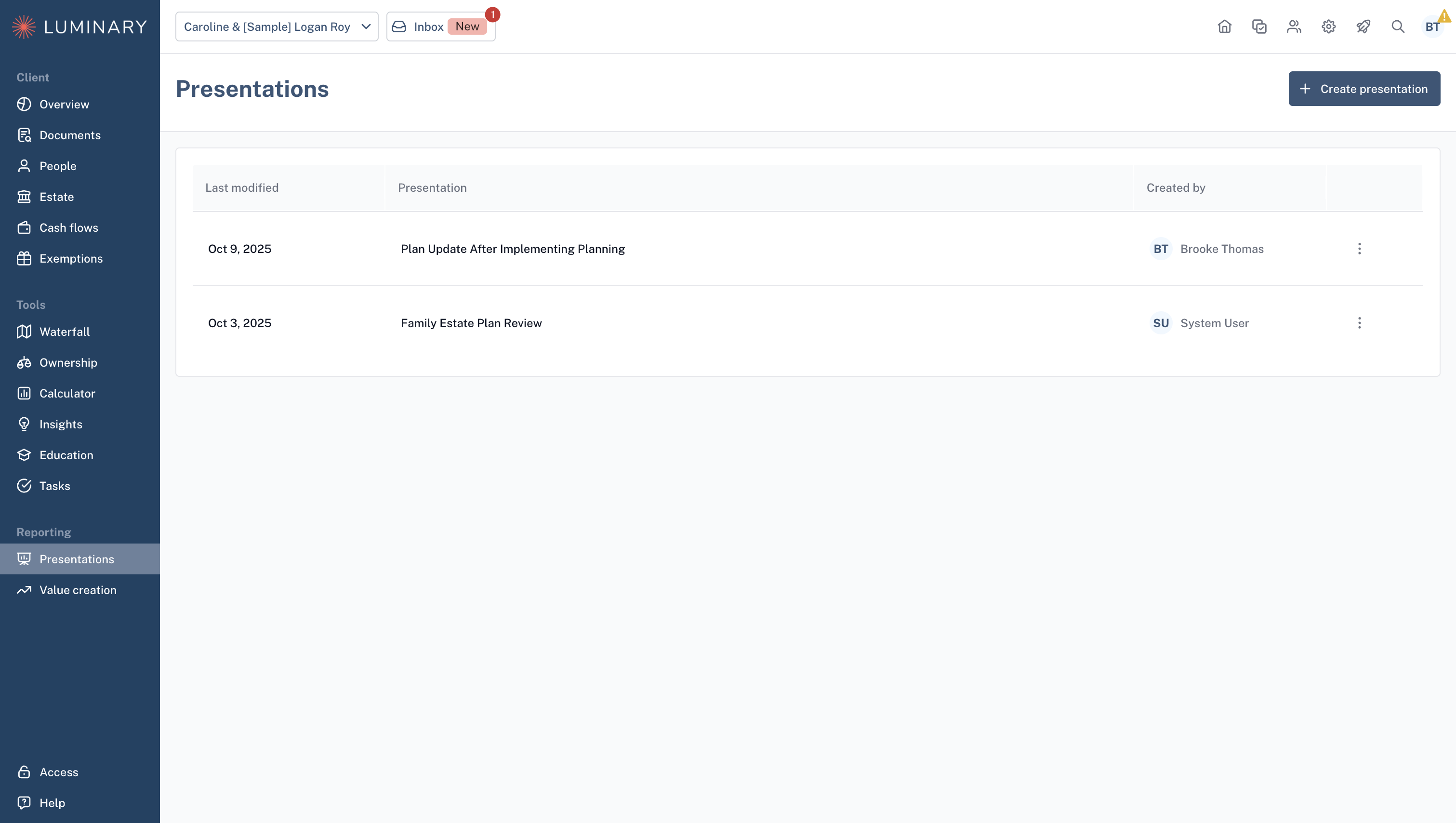
The Presentations page allows you to create client presentations that include exported collateral from the app such as the Balance sheet, Estate waterfall, and entity summaries.
Value creation
The Value creation page includes wealth transfer metrics for your client, specifically total wealth transferred (to family and charity) and implied estate tax savings. A table is included for a more detailed view into what gifting strategies are being attributed to the wealth transfer metrics.