Applying growth profiles to waterfalls
Last updated: May 28, 2025
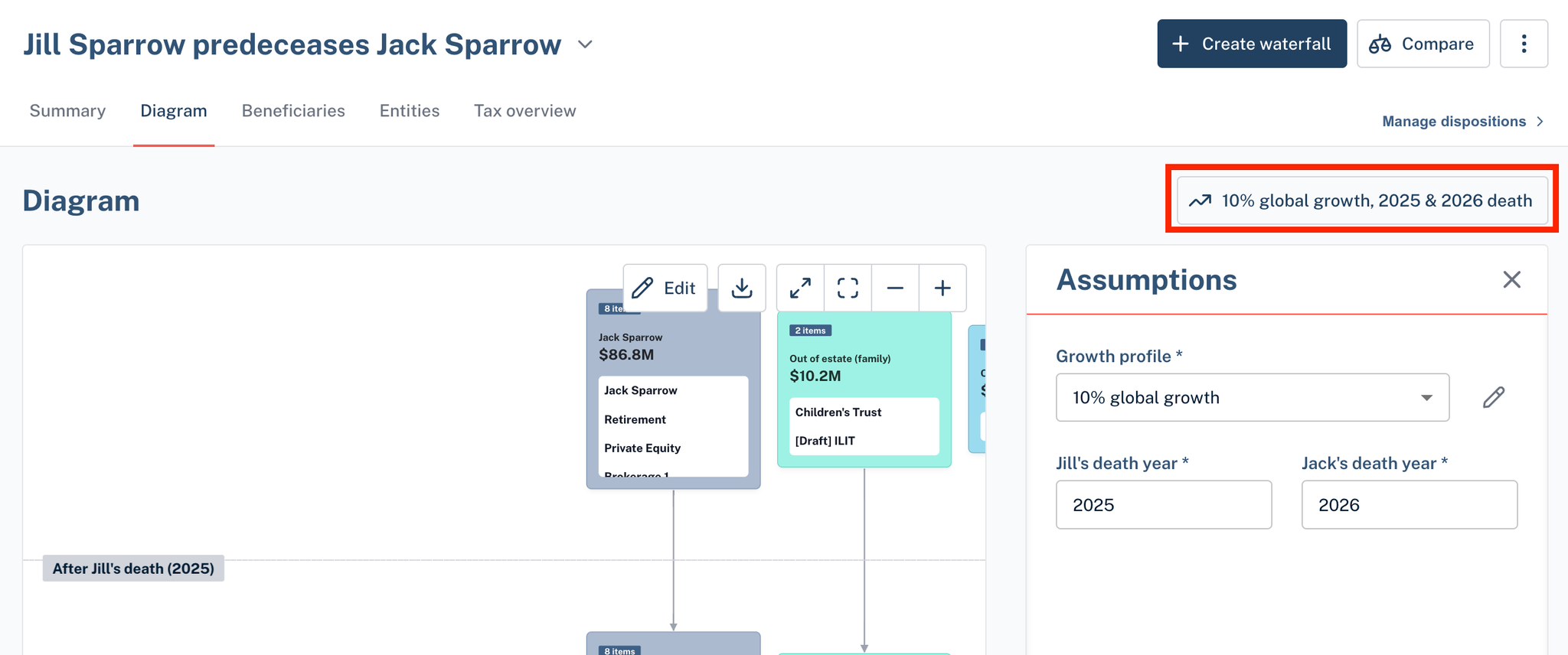
Once you have your desired growth profiles, from the estate waterfall, you can apply the desired growth profile for any of your estate waterfalls. By clicking the button on the top right (see image below), a side panel will open, which will allow you to select from any of your growth profiles, as well as specify the death years of the grantors.
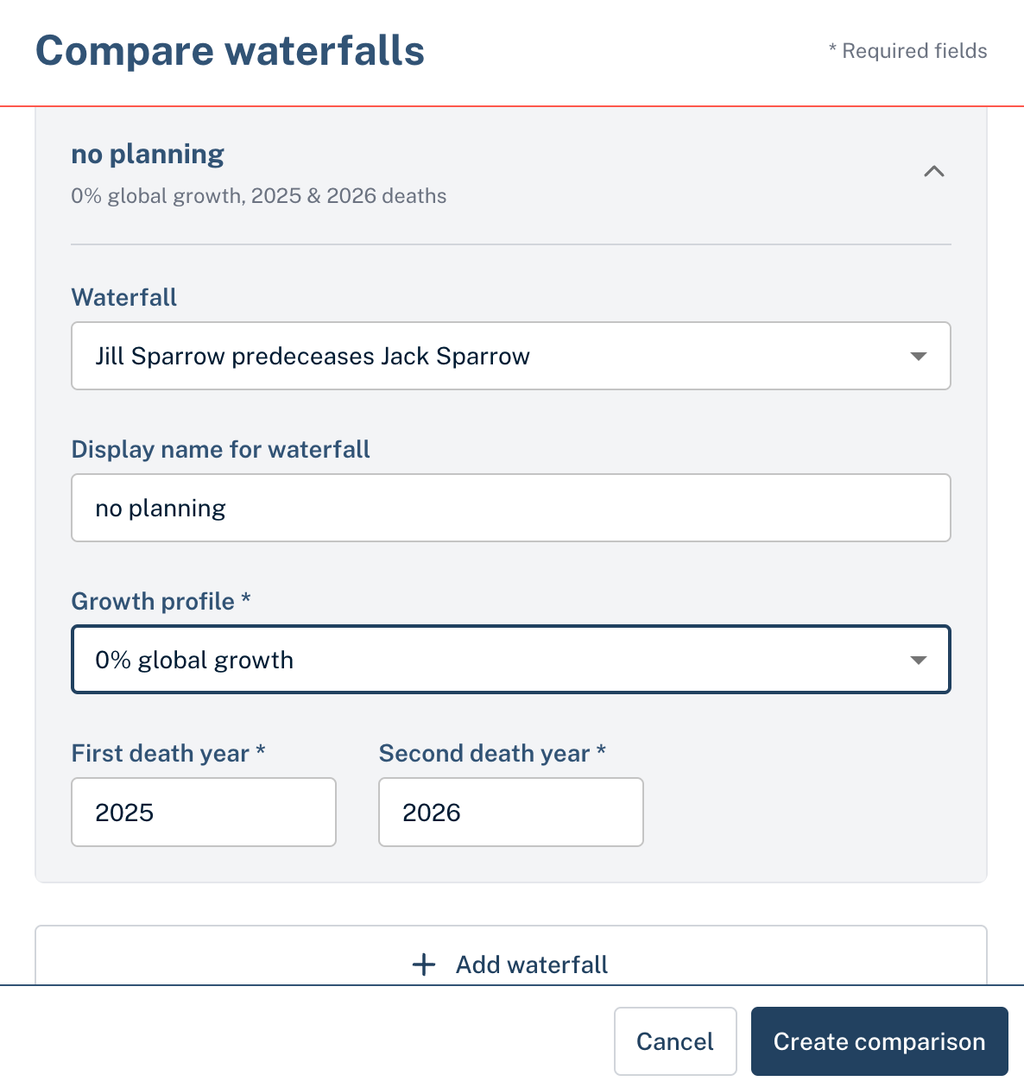
When comparing multiple waterfalls, you can also specify the growth profile to apply to each of the waterfalls being compared.