Setting default growth projections (firm-level)
Last updated: May 28, 2025
Overview
By default, Estate Waterfalls in Luminary uses the firm-level asset class growth projections.
Default rates can be overridden by global growth rates or by client-specific growth profiles.
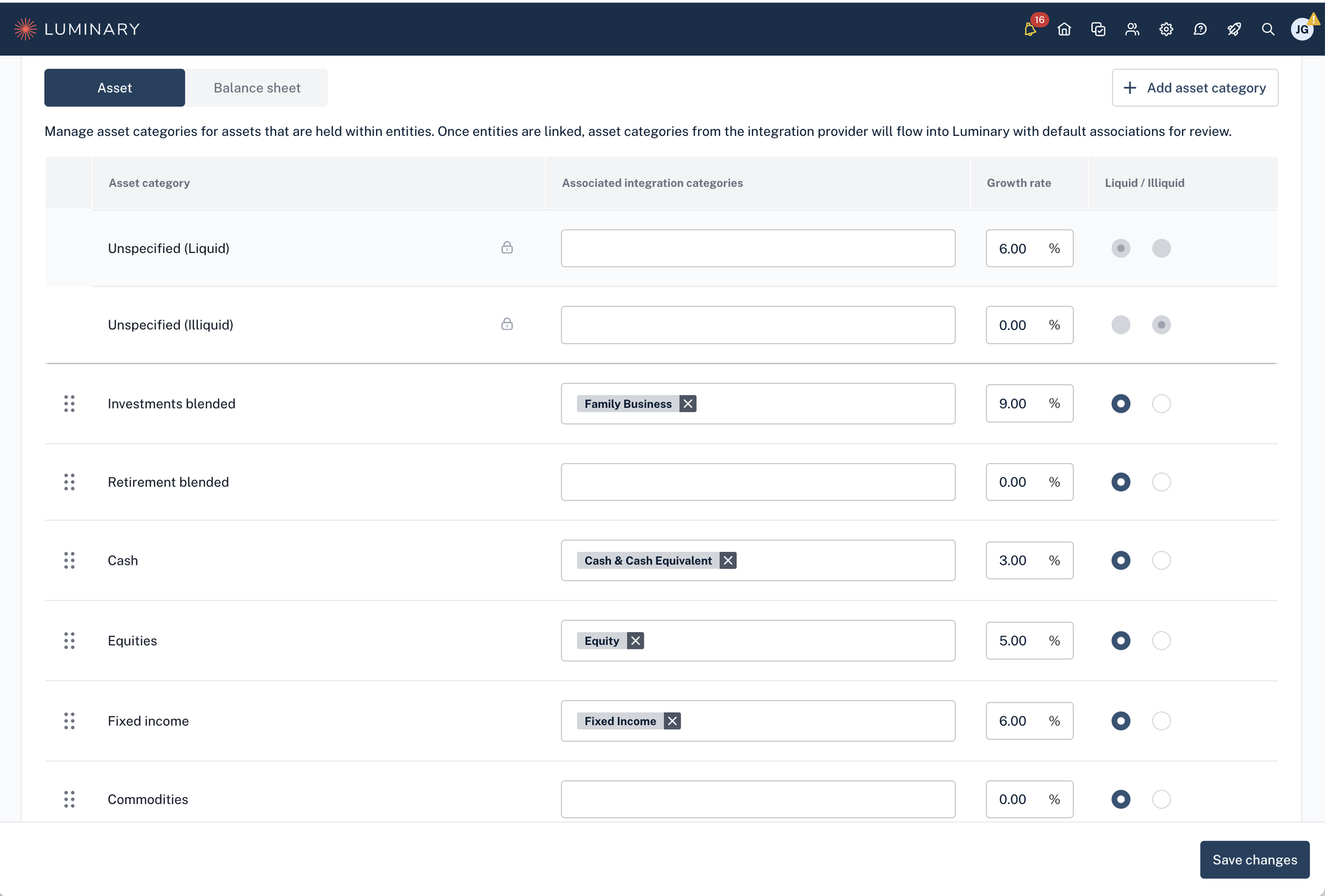
Firm-level asset classes can be updated in the Settings tab, under Categories, and are available for use for all clients.
Note that only users with Administrator permissions in Luminary can change firm-level growth rates
Getting Started
In order to update firm level default growth rates, you need to have Administrator level permissions
In the upper right hand menu, navigate to Settings > Categories > Input Growth rates for each asset category > Save Changes
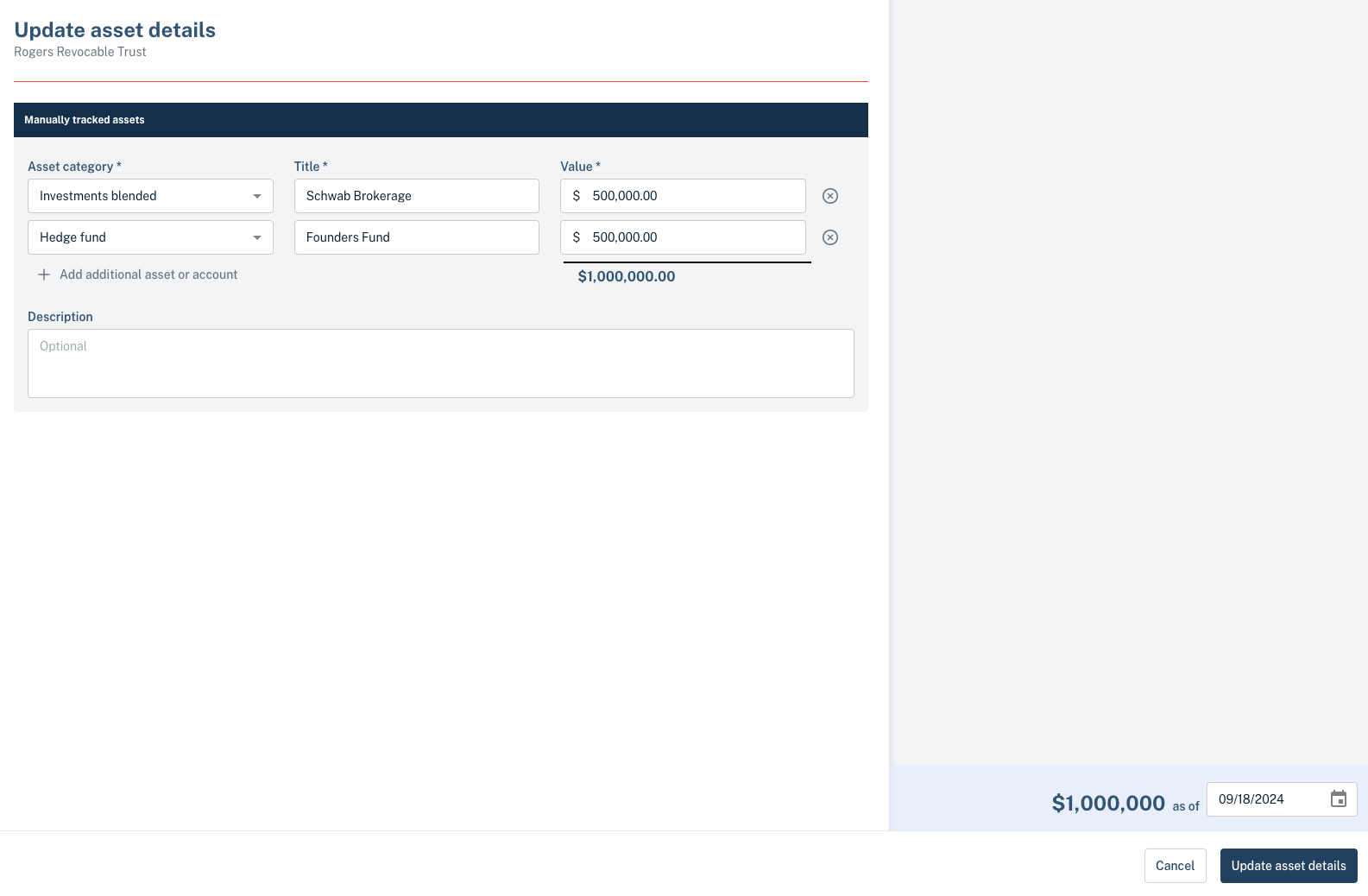
Navigate to any client’s entity holdings to change it’s Asset Category