Firm set up for admins: eMoney
Last updated: February 14, 2026
Pre-requisites
The steps below will get the eMoney integration up and running for your firm.
Enable eMoney
Log into Luminary
Click the gear icon (Settings) from the top right corner and select the “Integrations” tab
Your Luminary user must have “administrator” permissions to access this. Please reach out to support@withluminary.com if you need to be granted Luminary administrator access.
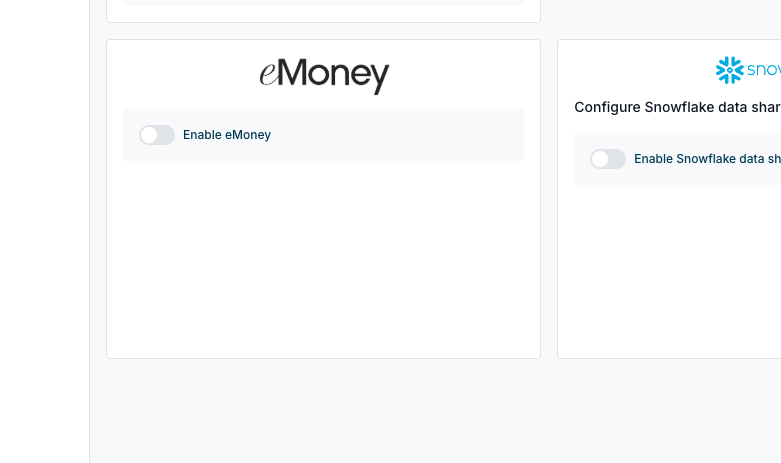
Toggle on to “Enable eMoney"