Education Slide Library
Last updated: November 5, 2025
Luminary's education material includes an ever growing library of topics you can use as standalone pages or add to your presentation to help frame client conversations and explain complex strategies. Topics range basic planning concepts from why estate planning matters and an overview of estate taxes to specific planning strategies like SLATs, CRTs, and GRATs.
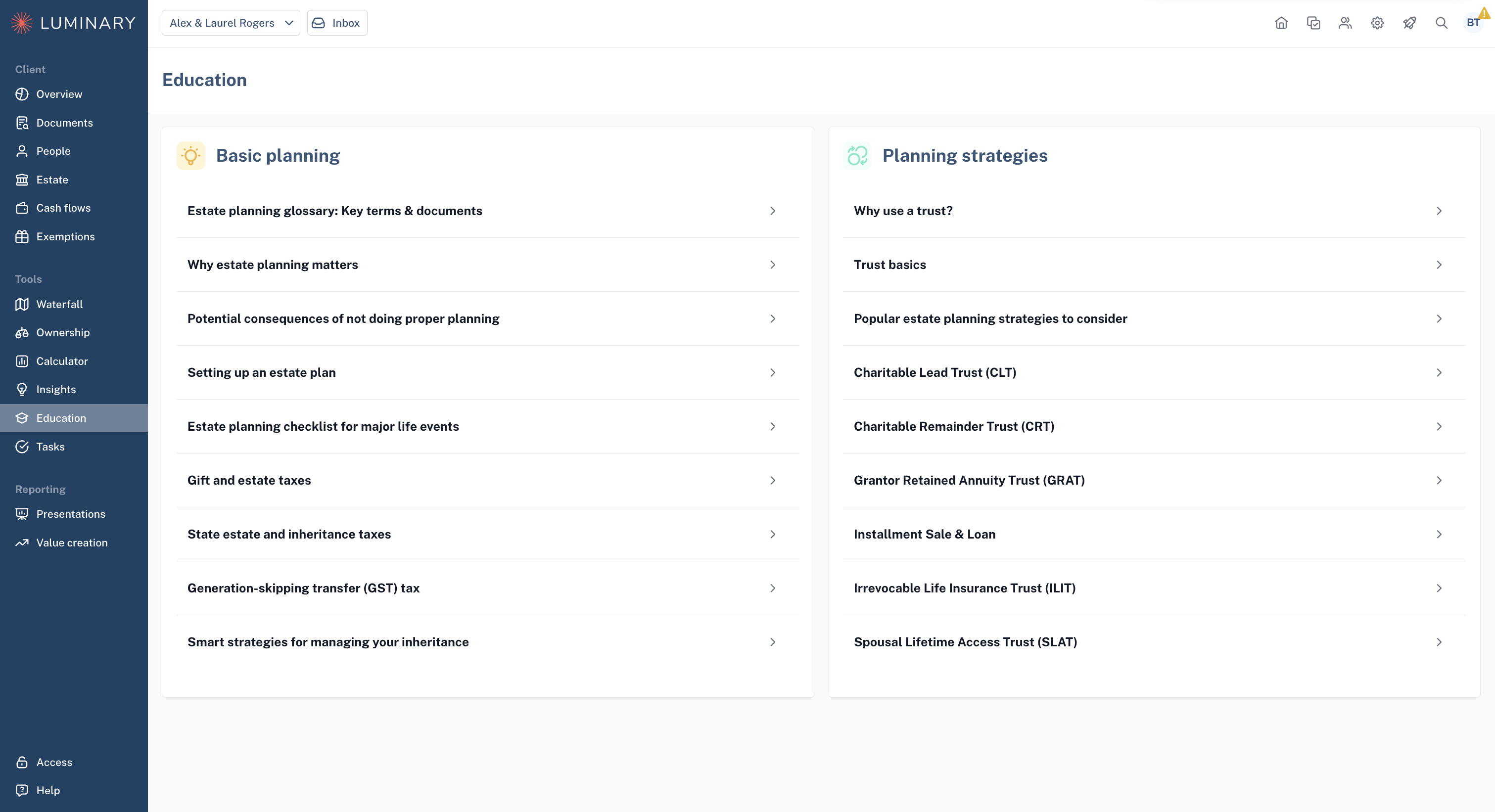
Education Material as a Standalone Deliverable
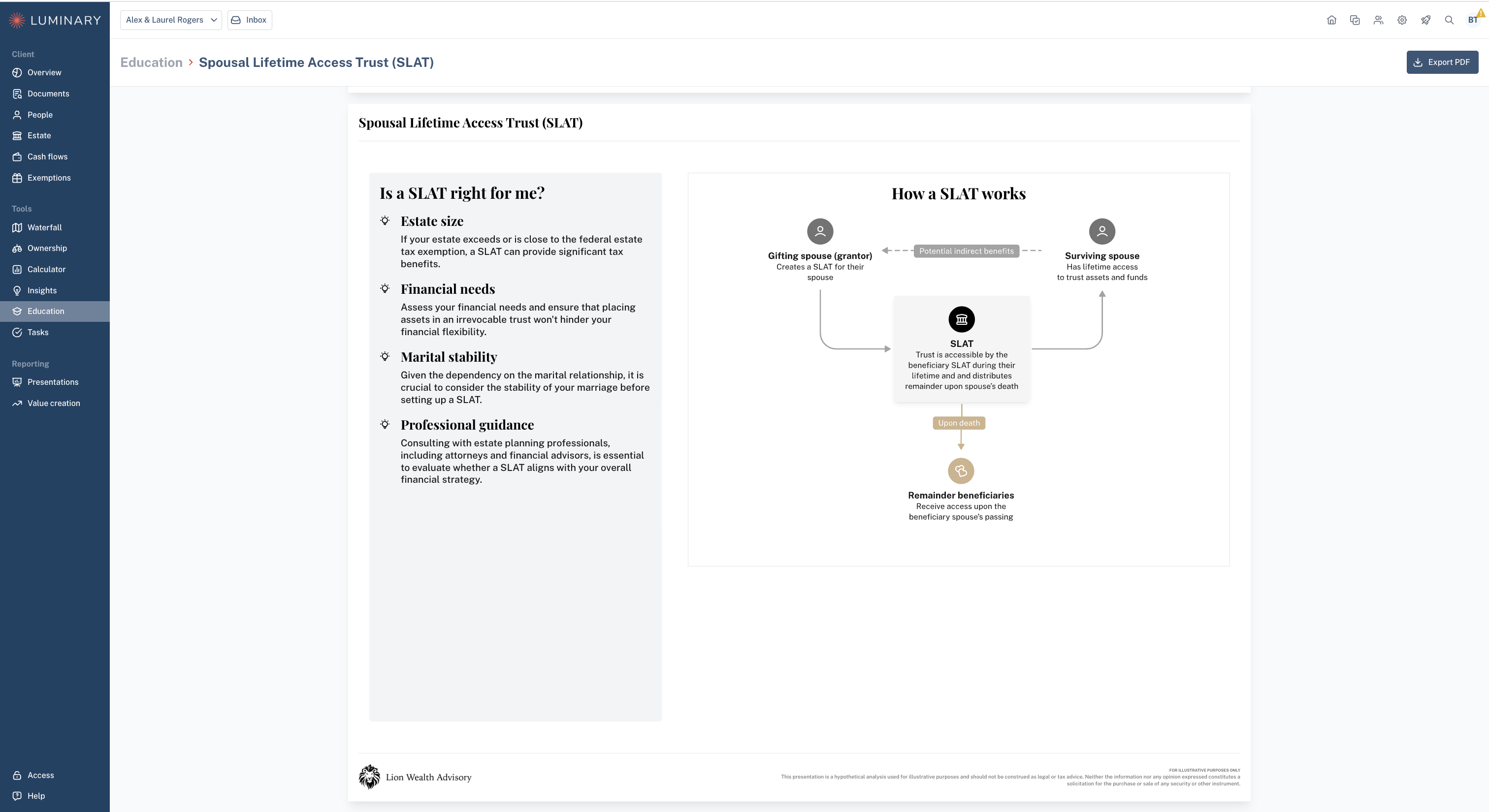
To use them as standalone deliverables, navigate to the Education page, and click on a given topic. From here you can click Export PDF in the upper right to download one off material. All pages will be branded with your logo and color schema
Education Material in the Presentation Builder
To include education material in your client presentation, navigate to the Presentation page, and either select an existing presentation or click "+Create presentation."
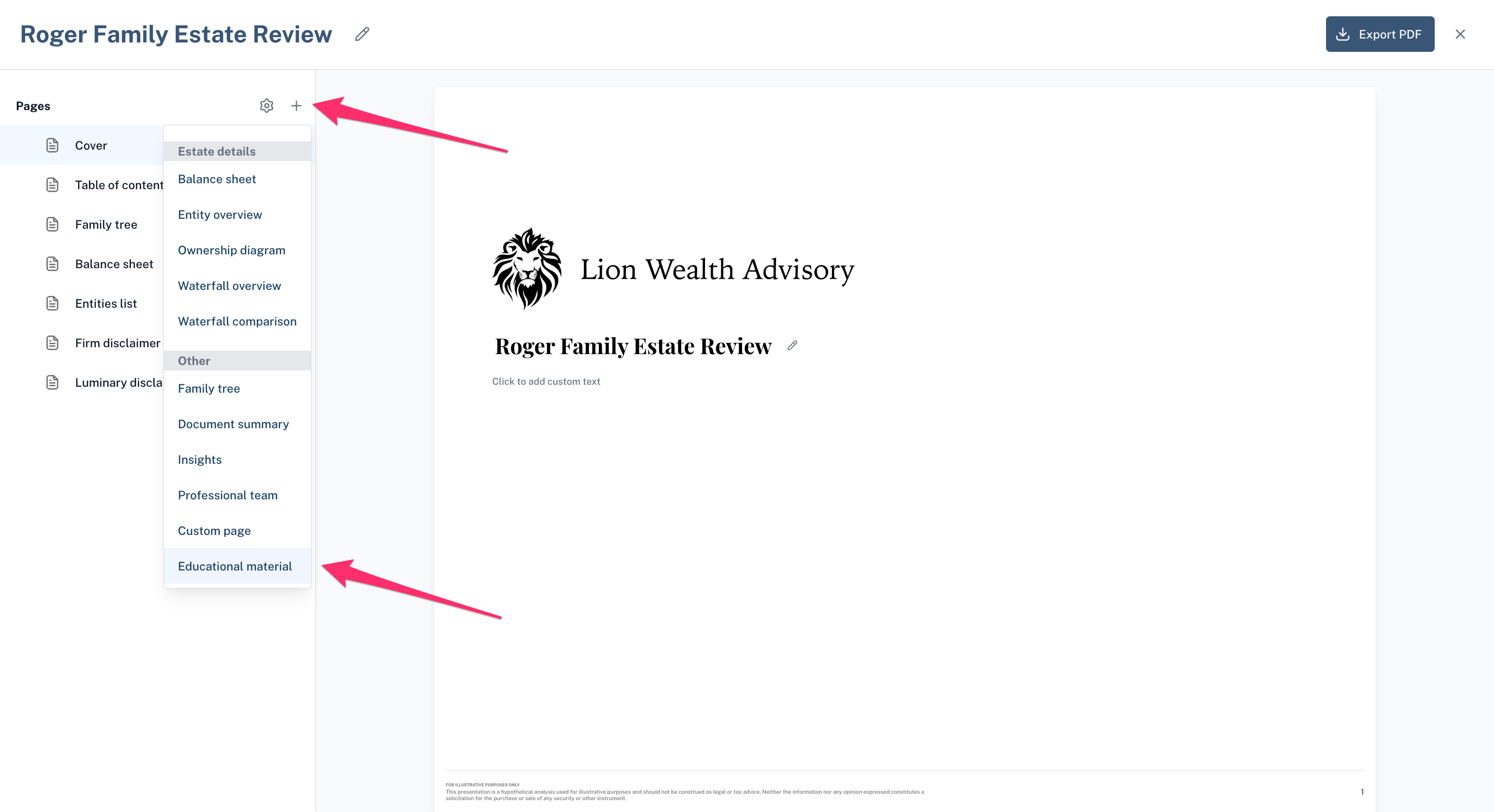
From within the presentation, you can click the plus icon in the upper left, and then select "Education material" from the dropdown list of available pages.
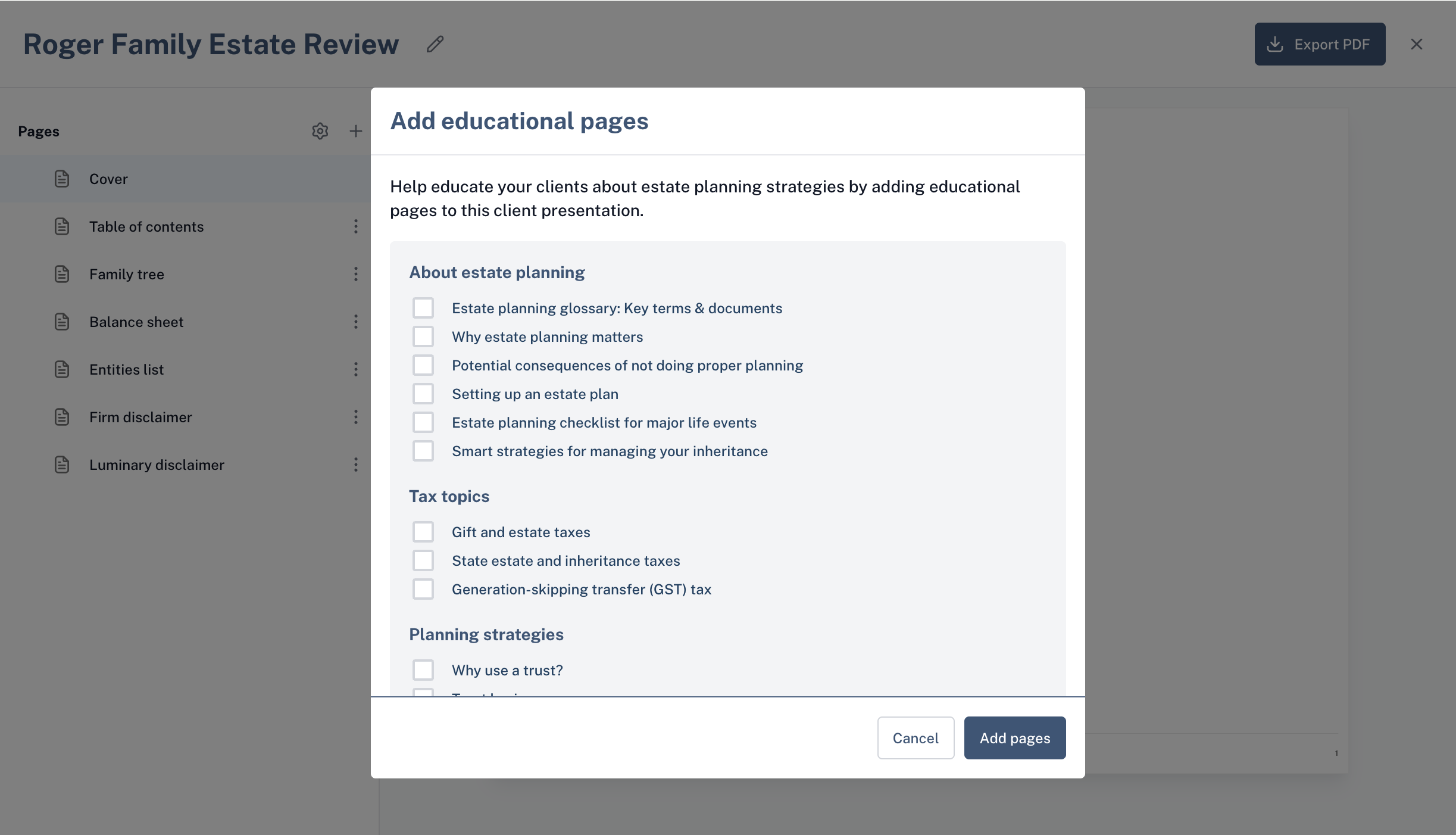
Select as many educational pages as you would like to include, and click "Add pages."
Once added, you can drag and drop the pages in the desired order. See below for more information on how to build a presentation:
📄 About the client presentation builder