FAQ: Reuse dispositions across entities
Last updated: November 17, 2026
If you’ve already entered dispositions for another entity with the same dispositive pattern as the one you’re currently editing, you can copy those dispositions over.
When entering dispositions for an entity, simply click the three dots in the upper-right corner and select “Copy dispositions from another entity” from the dropdown menu.
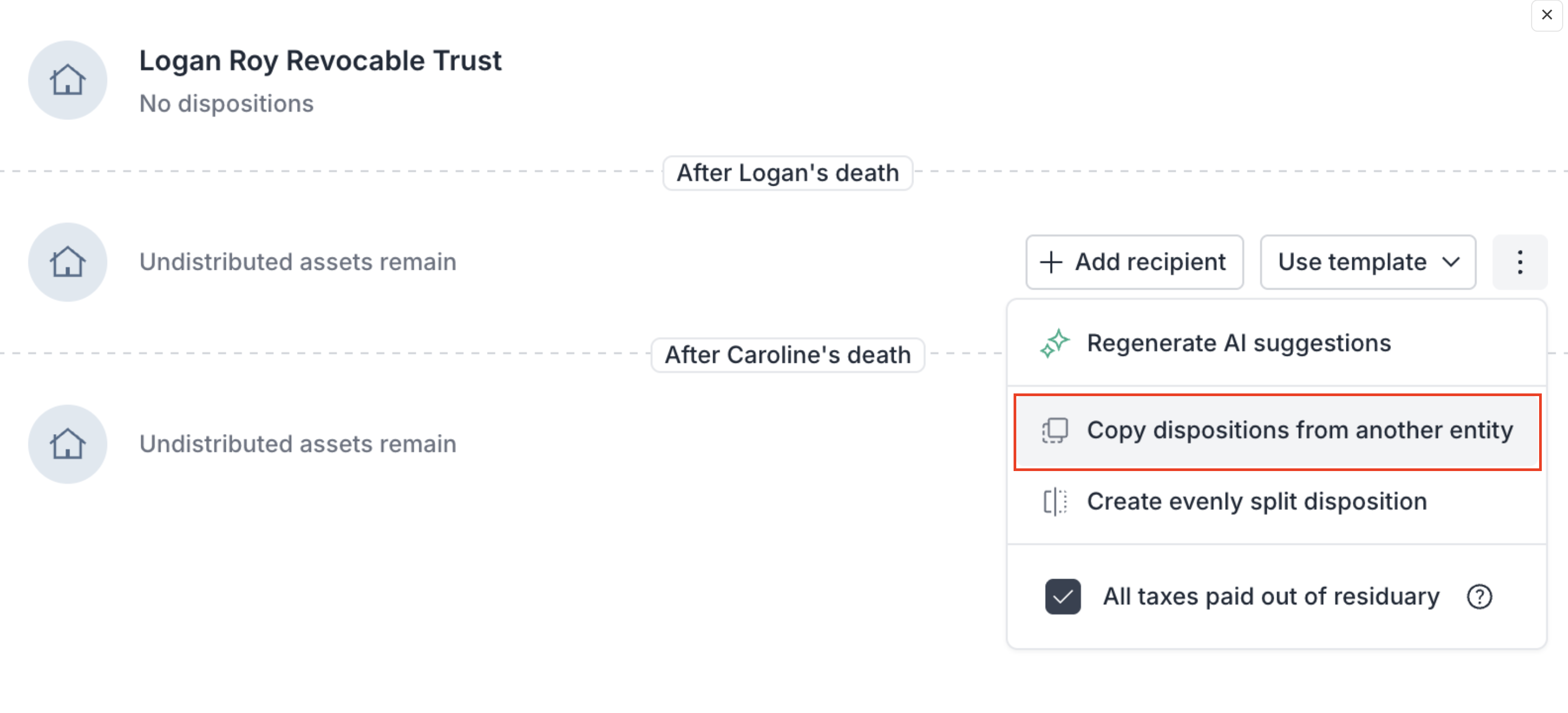
Please note, this creates a static copy—any changes made to the source entity’s dispositions won’t automatically update in the current entity. If you’re looking for a dynamic, reusable pattern, be sure to check out disposition templates!