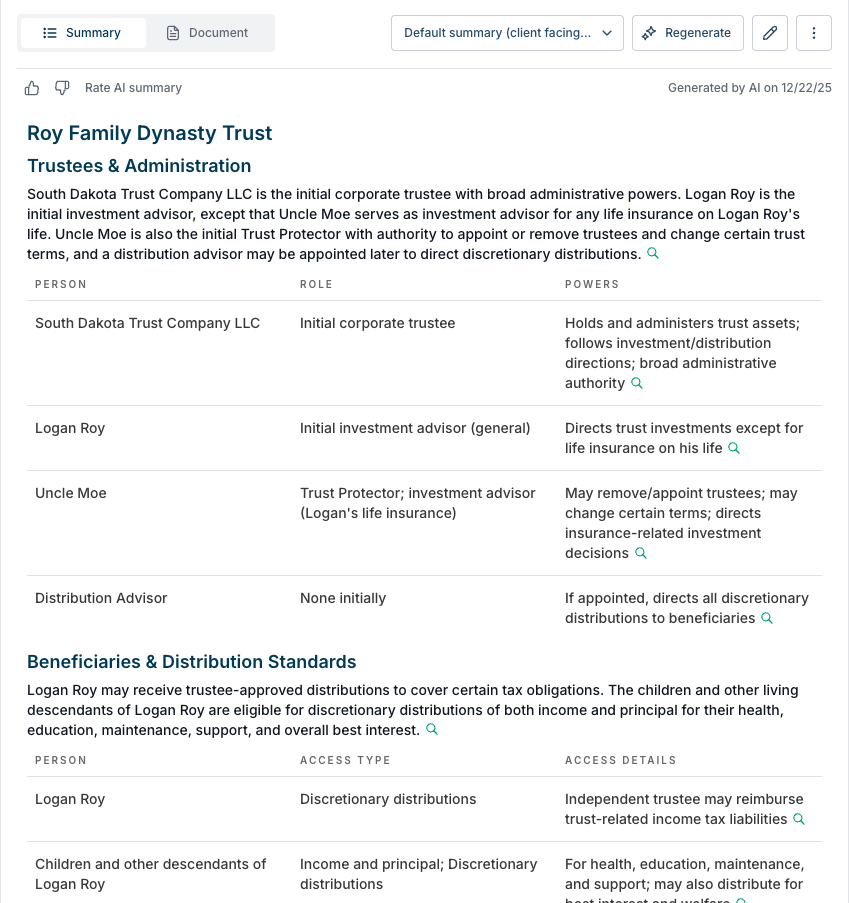
AI client facing trust document summaries
Last updated: December 23, 2025
Overview
Luminary also offers a streamlined and simple trust summary meant for client facing presentations. The summary can be added as an additional summary for any trust document via the create new or regenerate summary actions.
The client facing trust summary offers the following:
Simplicity/plain language
Consistent formatting/structure
Focus on key details (trustees & administration, beneficiaries & distribution standards, dispositive provisions & sub-trust creation)
How to create client facing trust summaries
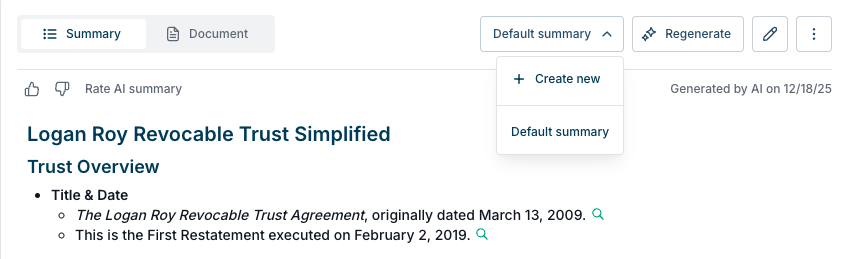
Open the summary selector dropdown showing "Default summary" and click to "Create new." Note that you can also regenerate the existing summary and follow the same steps below.
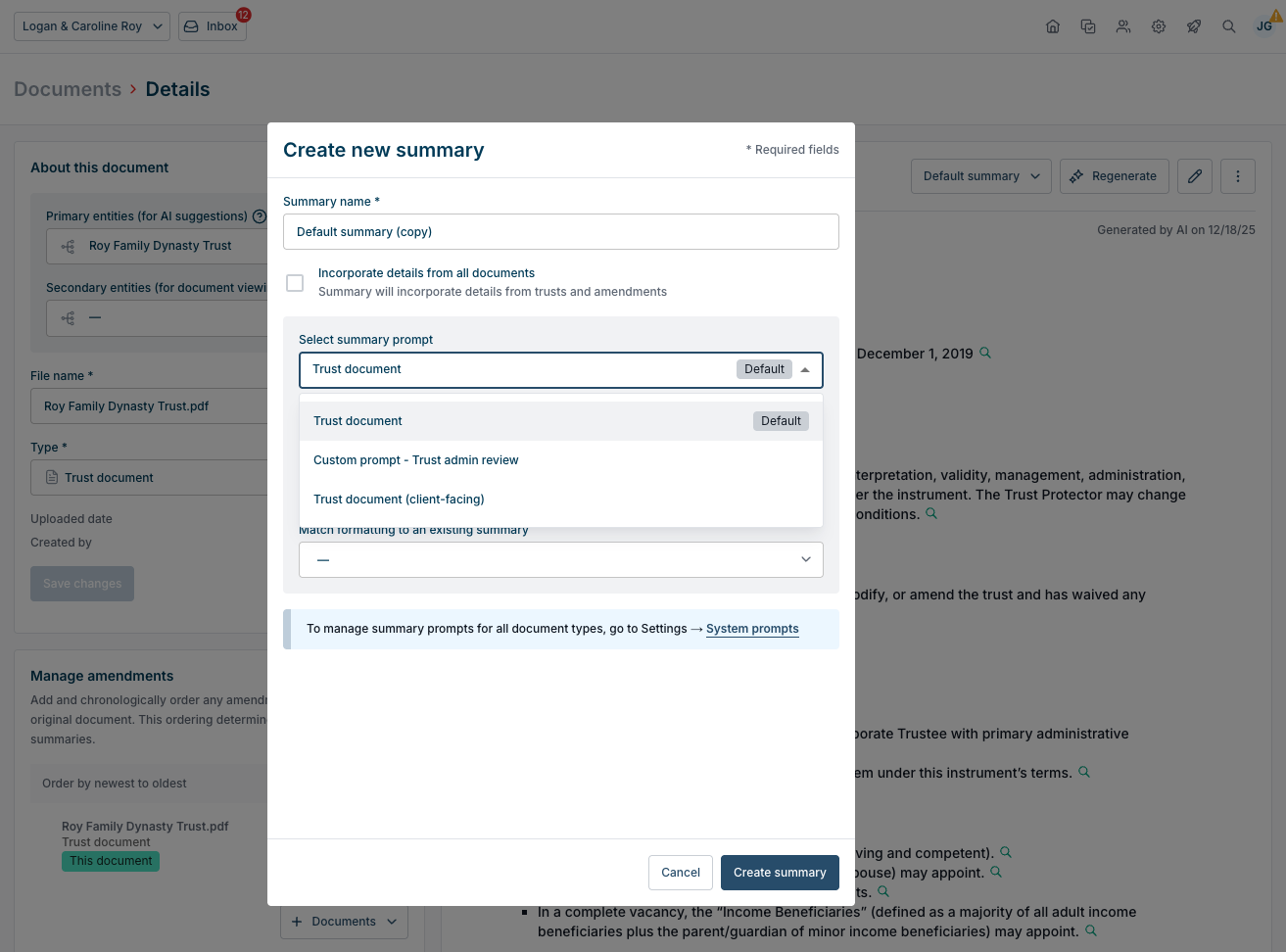
Select the "Trust document (client-facing)" summary prompt to use when creating the new trust summary.
The new client facing summary will take a couple minutes to generate and then appear for your review. You can export this just like any other summary.